1-8 2998 PDA Detector Optics Principles
the end time minus the start time, to calculate the Points Across Peak value
for each integrated peak in the chromatogram.
Tip: The Points Across Peak value appears in the Peaks table, at the bottom of
the Review Main window. If the Points Across Peak field is not visible,
right-click anywhere in the table, and then click Table Properties. Click the
Columns tab, and then scroll down to find the Points Across Peak field. Clear
the check box, and then click OK.
If the Points Across Peak value for the narrowest peak of interest is less than
25, you should specify a higher sampling rate in the instrument method. If the
value is greater than 50, you should specify a lower sampling rate in the
instrument method.
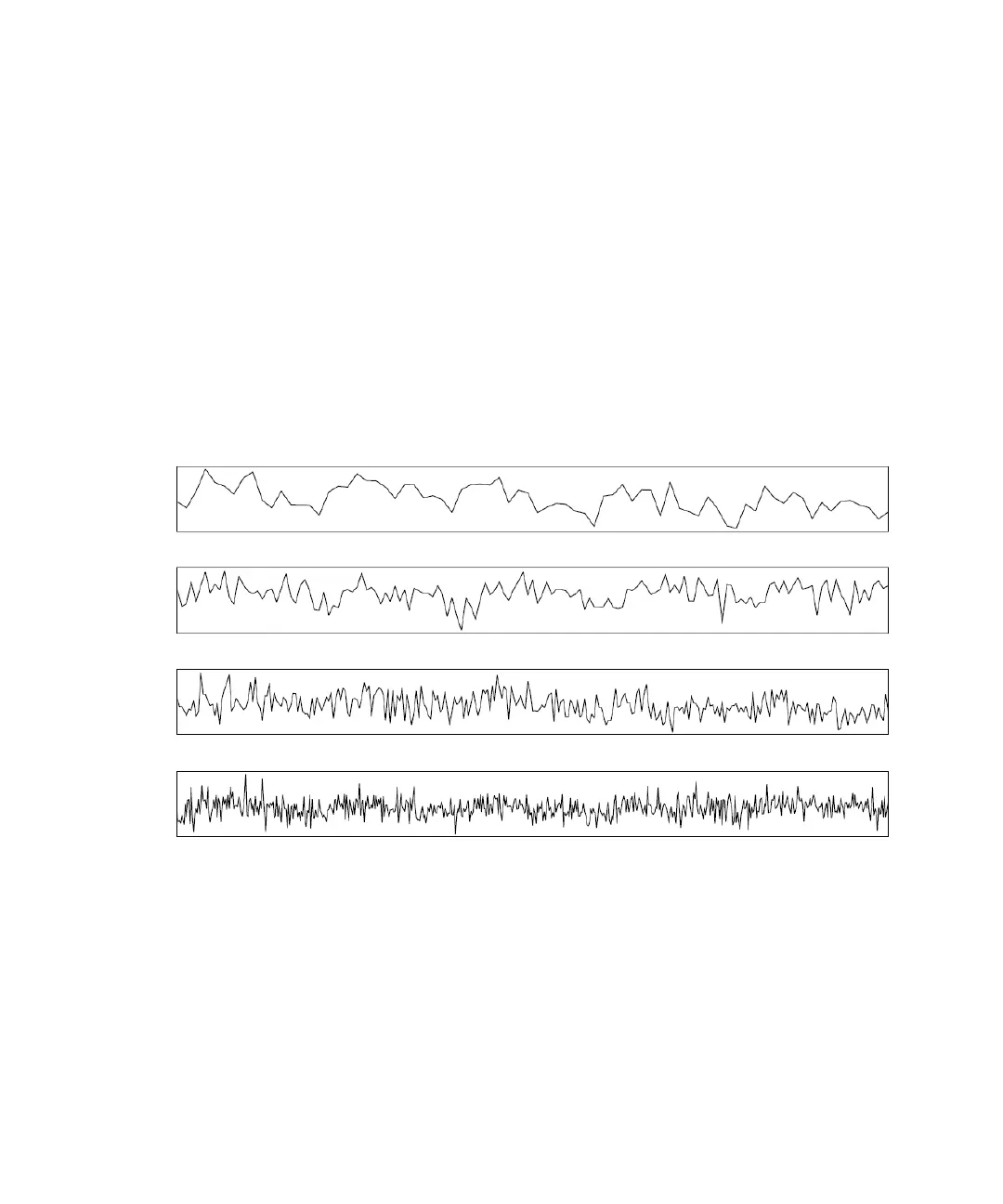
Example of how baseline noise increases with higher sampling rates
5 Hz
10 Hz
20 Hz
40 Hz



 To Next Page