2-6 Setting Up the Detector
The signal connections you need to make to your detector depend on the signal
connections available on the other instruments in your HPLC system.
Connecting the Ethernet cable
A Waters instrument communicates with the acquisition computer through
the dedicated local area network (LAN). At the acquisition computer, the
instrument network card provides the interface that makes communication
possible.
You must install the Waters instrument software driver in the acquisition
computer so that the computer can control the instrument. See the software
installation instructions that accompany the instrument control software.
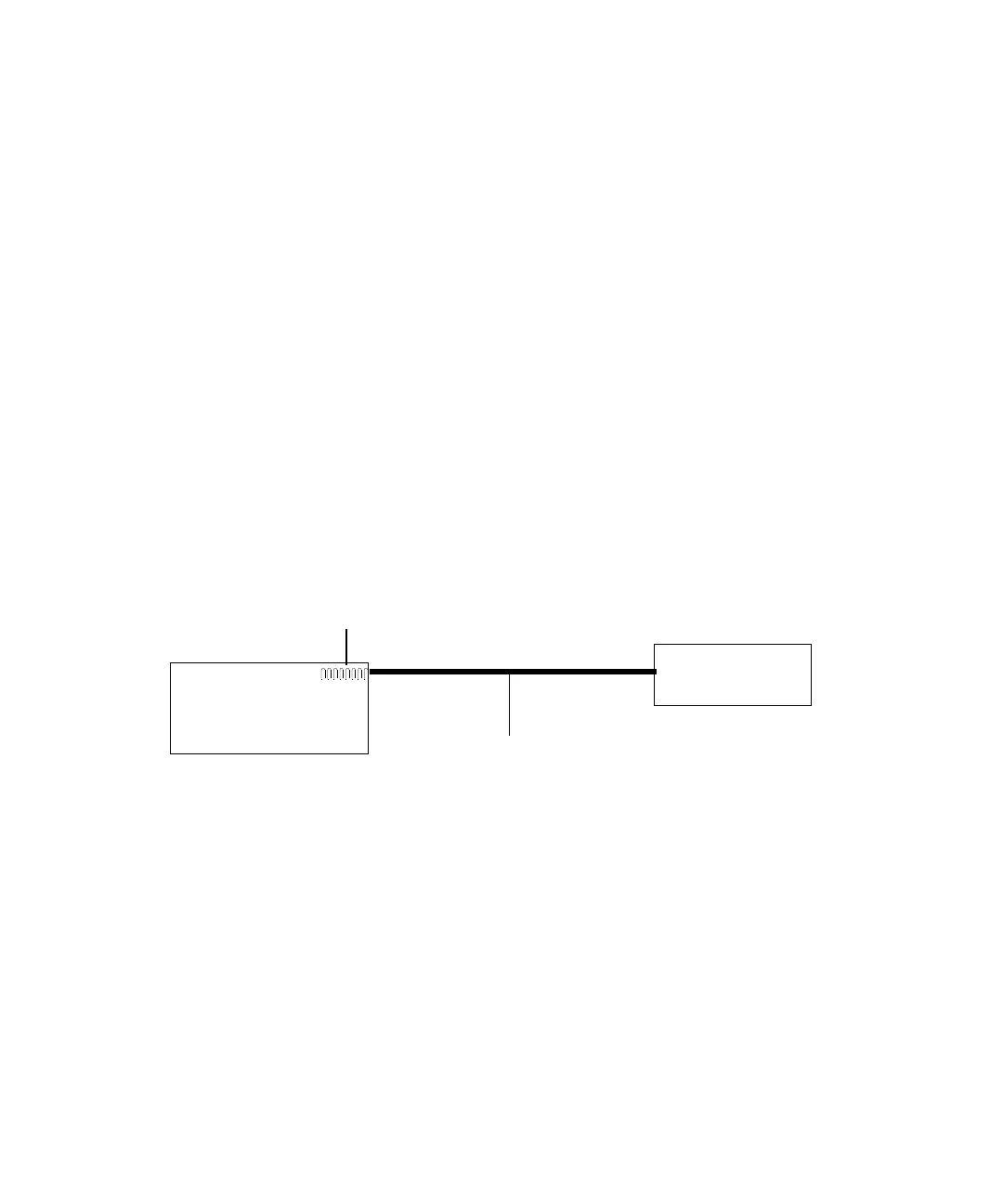
Single Waters instrument connection
In a single Waters instrument system configuration, the connection hardware
requires only one standard Ethernet cable provided in the startup kit.
Single Waters instrument connection
Multiple Waters instrument connections
System configurations with many Waters Ethernet instruments require an
Ethernet switch to communicate multiple signals among Waters instruments
and the acquisition computer.
Connection hardware requires one standard Ethernet cable per Waters
instrument and a standard Ethernet cable to connect the network switch and
the acquisition computer.
You must install the Waters instrument control software in the acquisition
computer so that the computer can control the Waters instrument. See the
software installation instructions that accompany the software instrument
driver disk.
Waters
instrument
Instrument LAN
network card
Ethernet cable
Acquisition
computer



 To Next Page