Maintaining the flow cell 3-5
Replacing the flow cell
Required materials
• 1/4-inch flat-blade screwdriver
• Flow cell
To replace the flow cell:
1. Power-off the detector.
2. Stop the solvent flow.
3. Lift up the detector front cover and pull the front cover from the detector
chassis.
4. Disconnect the detector’s inlet tubing from the column outlet connection.
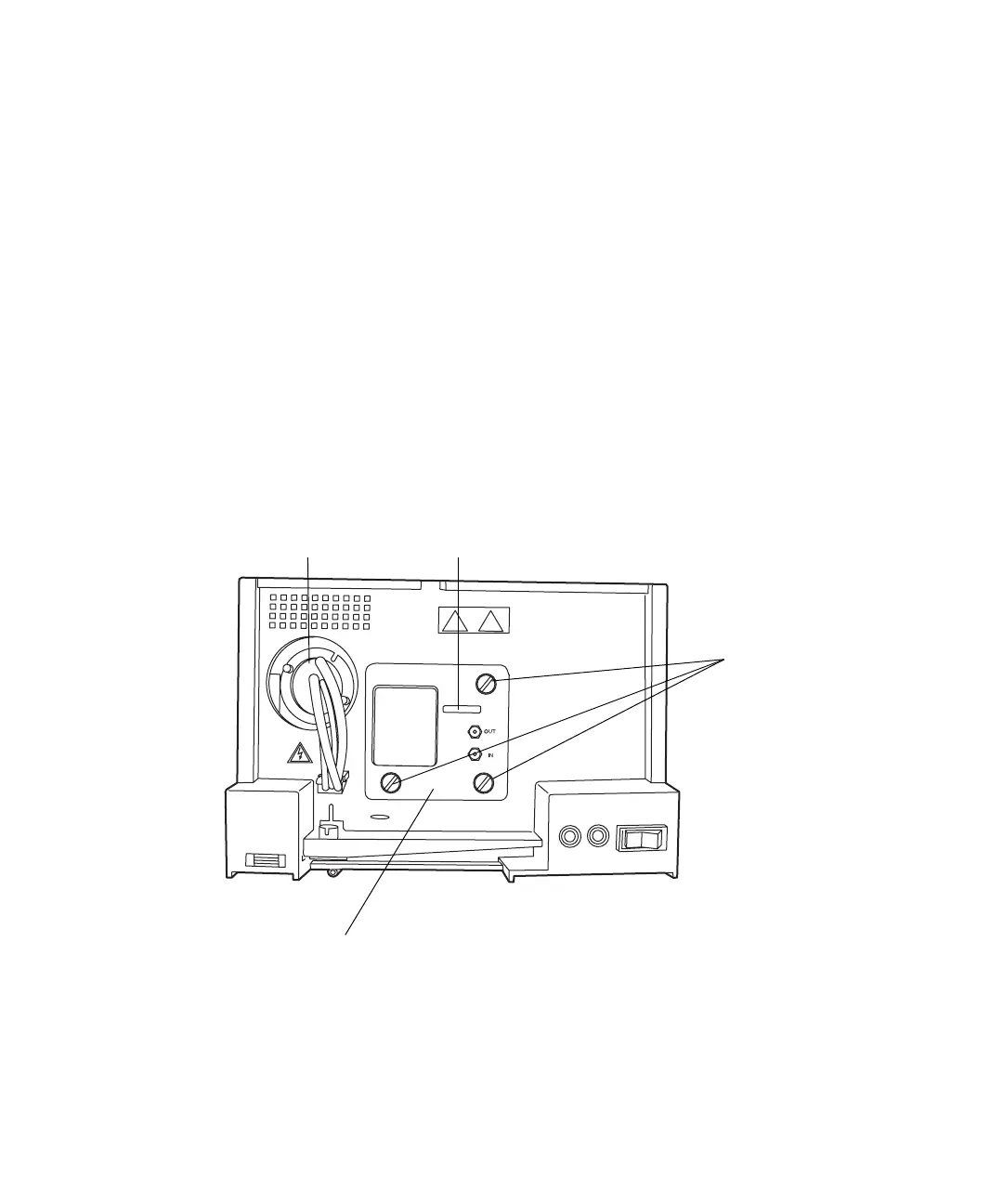
2998 PDA detector analytical flow cell
Tip: The optional auto-purification flow cell has three fittings − inlet
analytical, inlet prep, and outlet.
5. Remove the flow cell:
TP02754
Flow cell
Lamp
Flow cell handle
Thumbscrews



 To Next Page