2-20 Setting Up the Detector
4. Wait 1 hour for the detector to stabilize before acquiring data. If the
detector fails to stabilize, see Chapter 4.
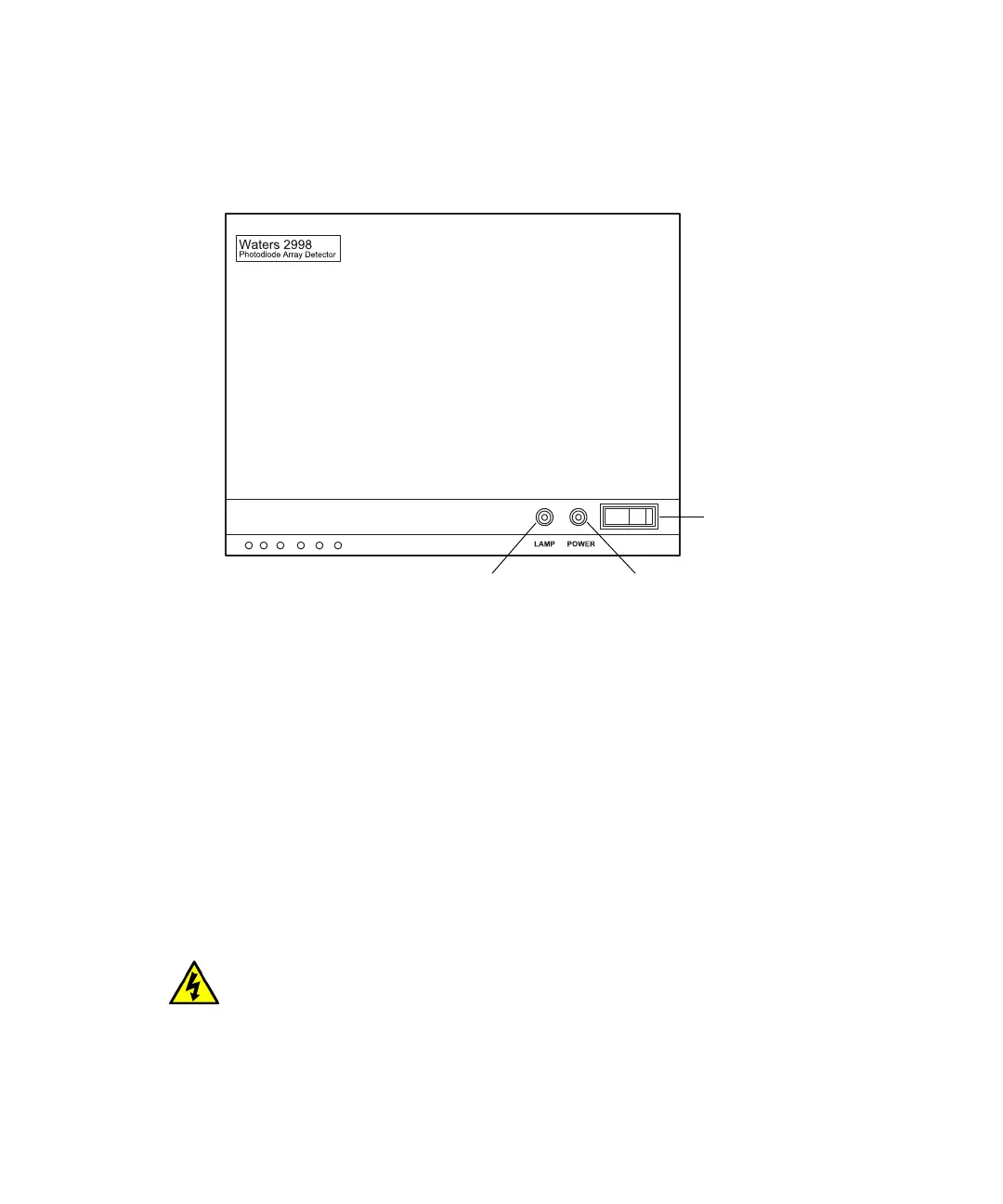
Detector indicator lights
Monitoring detector LEDs
Light-emitting diodes on the detector indicate its state of functioning.
Power LED
The power LED, on the detector’s front panel, indicates when the instrument
is powered-on or powered-off. It is steady green when the instrument is
working properly.
Lamp LED
The lamp LED, to the left of the power LED, indicates the lamp status.
Warning: To avoid electric shock, do not touch the lamp connector if the
lamp LED is flashing red. Power-off and unplug the detector before
touching the lamp connector.
Lamp
indicator
On/off switch
Power
indicator



 To Next Page