Making signal connections 2-5
To connect to the electricity source:
Recommendation: Use a line conditioner or an uninterruptible power supply
(UPS) for optimum long-term input voltage stability.
1. Place the Off/On ( ) switch in the Off ( ) position.
2. Connect the female end of the power cord to the receptacle on the rear
panel of the detector.
3. Connect the male end of the power cord to a suitable wall outlet.
Important: Do not turn the detector on at this time.
Making signal connections
See also: Waters Ethernet Instrument Getting Started Guide.
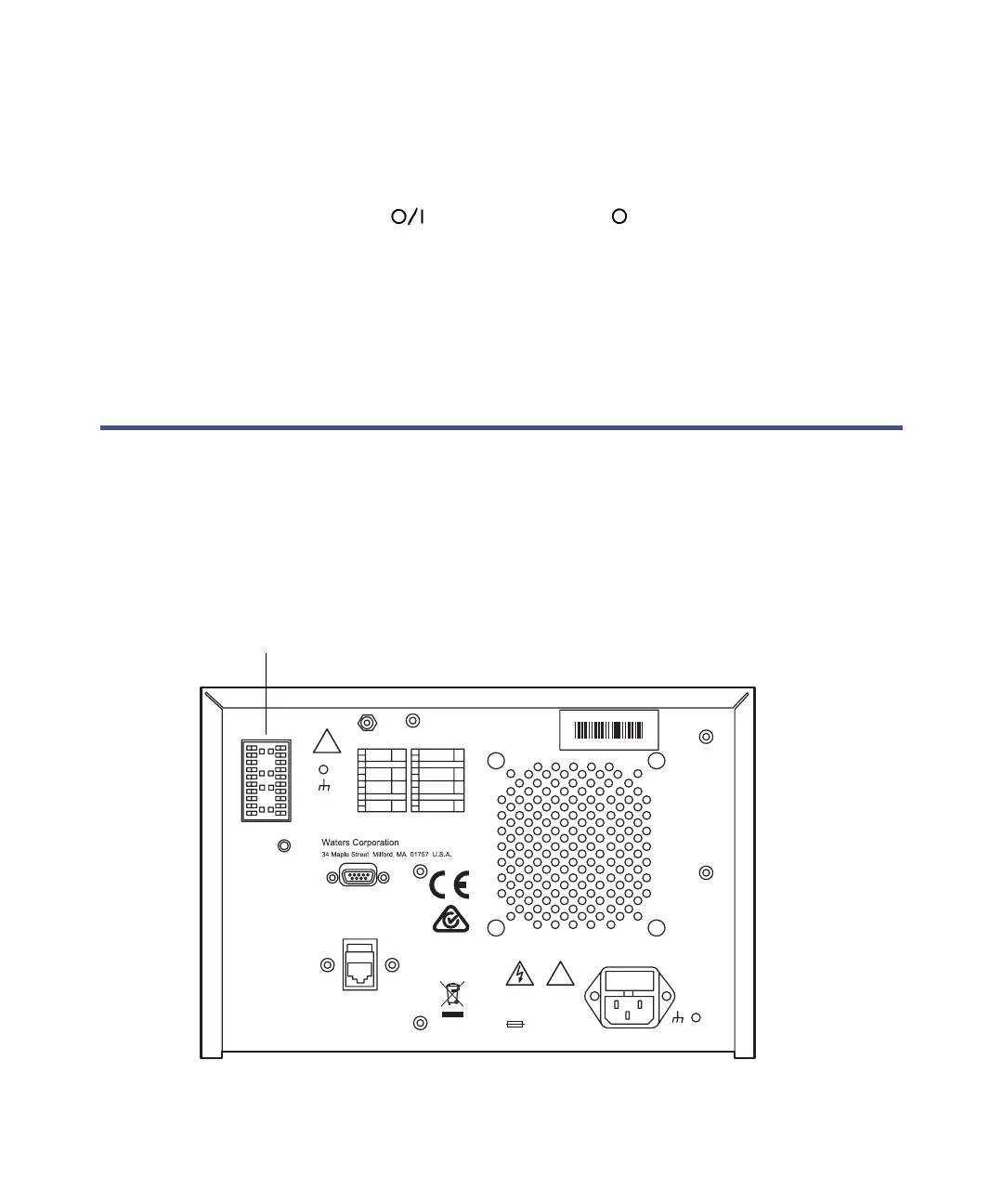
The following figure shows the rear panel location of the connectors used to
operate the detector with external devices.
2998 PDA Detector rear panel
BA
NITROGEN
PURGE
RS 232
A
B
ETHERNET
!
V ~ 100 - 240
Hz 50 - 60
VA 185
F 3.15A/250V
ACN 065444751
1
2
3
4
5
6
7
8
9
10
Analog 1 (Out)
Made in USA
Serial #
EXHAUST - 15 cm (6 inch) CLEARANCE REQUIRED
!
Ground
Ground
Analog 2 (Out)
Switch 1 (Out)
Switch 2 (Out)
+
+
1
2
3
4
5
6
7
8
9
10
Inject Start (In)
Ground
Ground
Lamp Off (In)
Chart Mark (In)
Auto Zero (In)
+
+
+
+
External device
inputs and outputs



 To Next Page