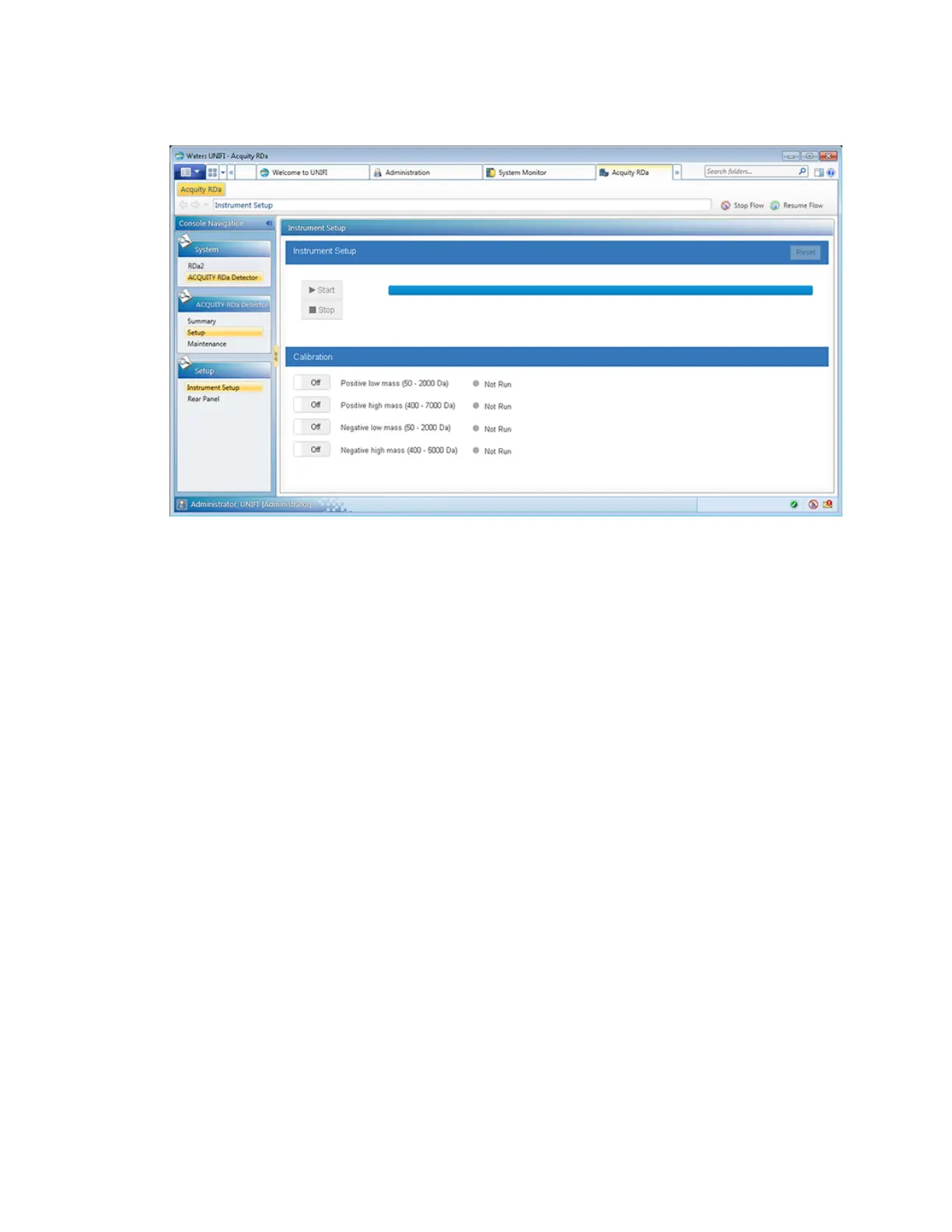
Figure 2–1: UNIFI setup and calibration -RDa
Tips:
• If the required calibration is not available when setting up an analysis, the samples will not
run. If this happens, the software will guide you on how to complete the calibration.
• When transitioning from Power Save mode to Operate mode, Waters recommend that you
allow the instrument to stabilize for one hour prior to use.
• If the Start button on the instrument setup control panel is not available, the instrument is
currently not ready to run the setup.
To setup and create a calibration:
1. Click Setup.
2. Select at least one of the following calibration slots:
• Positive low mass (50 - 2000 Da)
• Positive high mass (400 - 7000 Da)
• Negative low mass (50 - 2000 Da)
• Negative high mass (400 - 5000 Da)
3. Click Start.
Notes:
• A progress bar displays as the instrument is calibrated, to show how the calibration is
progressing.
• The date and time of the successful calibration appears against the slot.
August 20, 2021, 715005003 Ver. 04 (Previously released as Revision C)
Page 22



 To Next Page