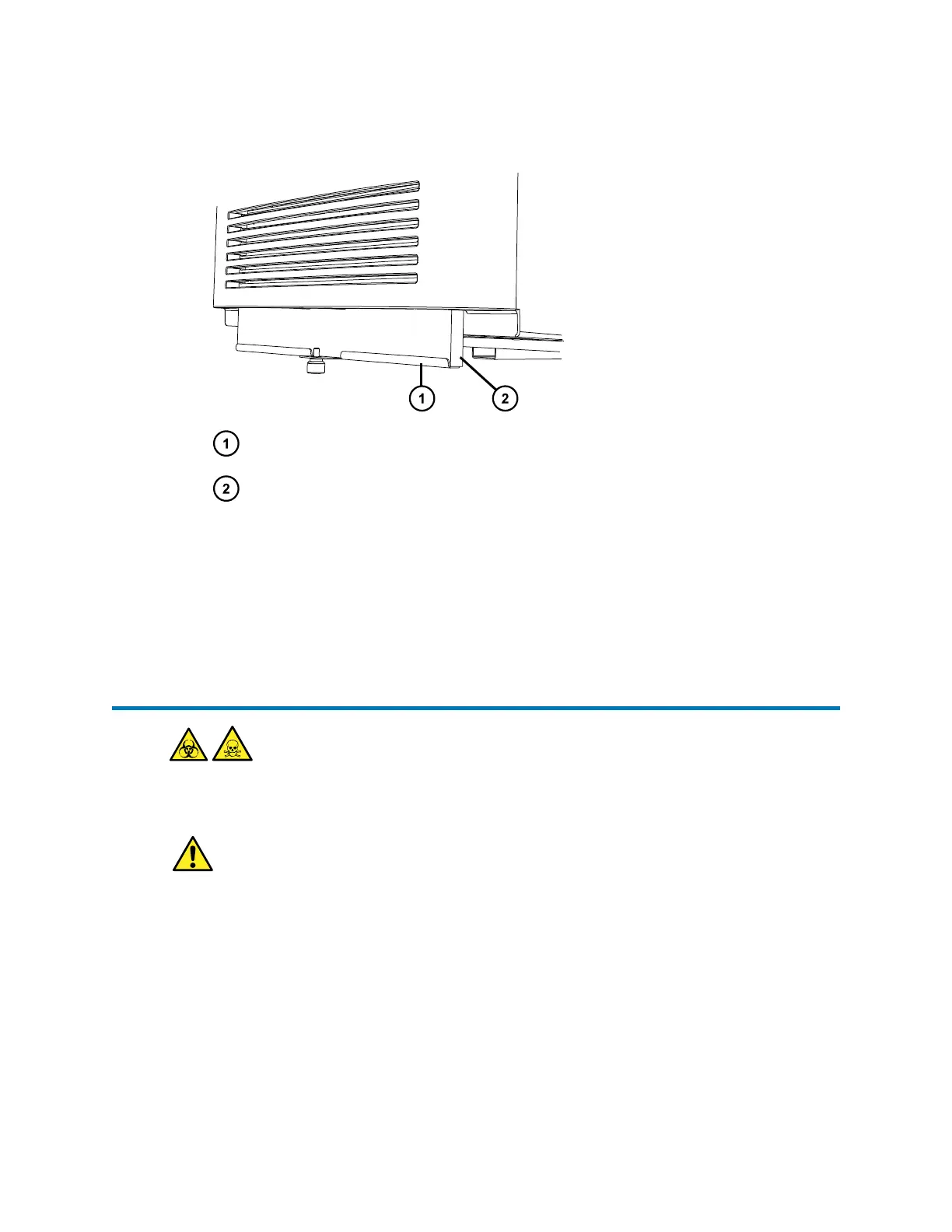
7. Remove the air filter frame.
Figure 3–21: Removing the air filter frame
Air filter frame
Air filter
8. Dispose of the filter.
9. Fit the new filter into the air filter frame.
10. Place the air filter frame into the instrument.
11. Tighten the thumbscrew.
3.15 Replacing the leak sensor
Warning: To avoid personal contamination with biologically hazardous or toxic compounds,
wear clean, chemical-resistant, powder-free gloves when performing this procedure.
Warning: To avoid eye injury, use eye protection when performing this procedure.
Required tools and materials
• Chemical-resistant, powder-free gloves
• Protective eyewear
• Replacement leak sensor
To replace the leak sensor:
1. Open the instrument door.
August 20, 2021, 715005003 Ver. 04 (Previously released as Revision C)
Page 57



 To Next Page