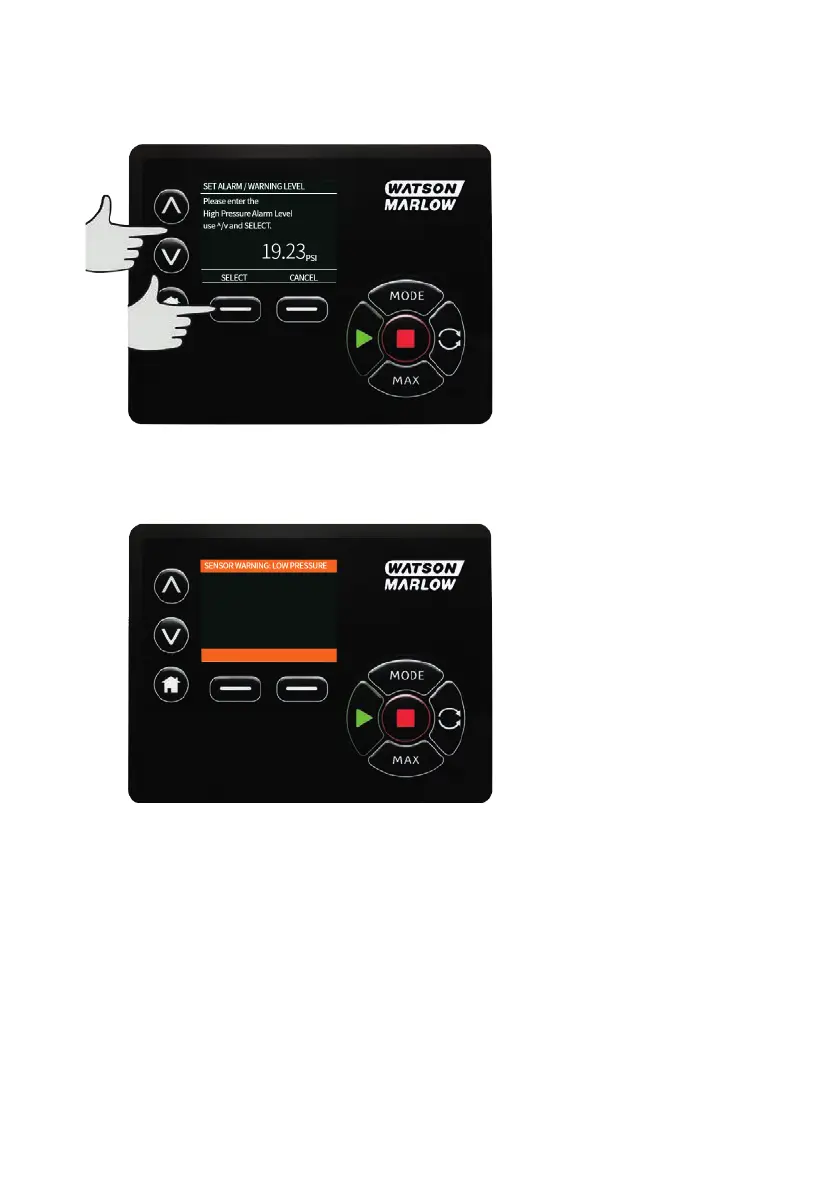
Set Alarm and Warning level
Using the ∧ /∨ keys, scroll to the alarm level to set up and press SELECT.
Using the ∧ /∨ keys, enter a value and press SELECT to store.
Each one of these defaults to none, once the user sets a value in the edit screens the alarm/warning will
become active.
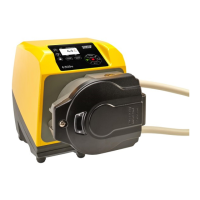
When a warning level is triggered the top or bottom bars will show orange
m-630un-en-08 117



 To Next Page