EasyManua.ls Logo

Wavetek 3000 - Installation Checks

Wavetek 3000
225 pages
Print Icon
To Next Page IconTo Next Page
To Previous Page IconTo Previous Page
Loading...
Programming
O5
Modulation
Test
Point
2.6
INSTALLATION
CHECKS
The
following
procedure
is
used
to
de-
termine
that
the
instrument
is
operating
properly
.
Performance
testing
and
cal-
ibration
of
the
instrument
are
contained
in
other
sections
of
this
manual
.
If
it is
determined
that
the
unit
is
not
operating
properly
or is
not
meeting
specifications,refer
to
the
warranty
on
the
back
of
the
title
page
.
2
.6
.1
TurnOn
Verify
that
the
power
transformer
primary
is
matched
to
the
line
voltage
available,
and
that
the
proper
fuse
is
installed
.
(See
Section
2
.3
Electrical
Installation)
Turn
the
front
panel
power
switch
to
the
"ON"
position
.
One
or
more
of
the
front
panel
accuracy
lights
willbe
illuminated
Providesconnection
for
programming
of
fre-
quency
.
Monitors
internal
or
external
AM
or
FM modu-
lation
.
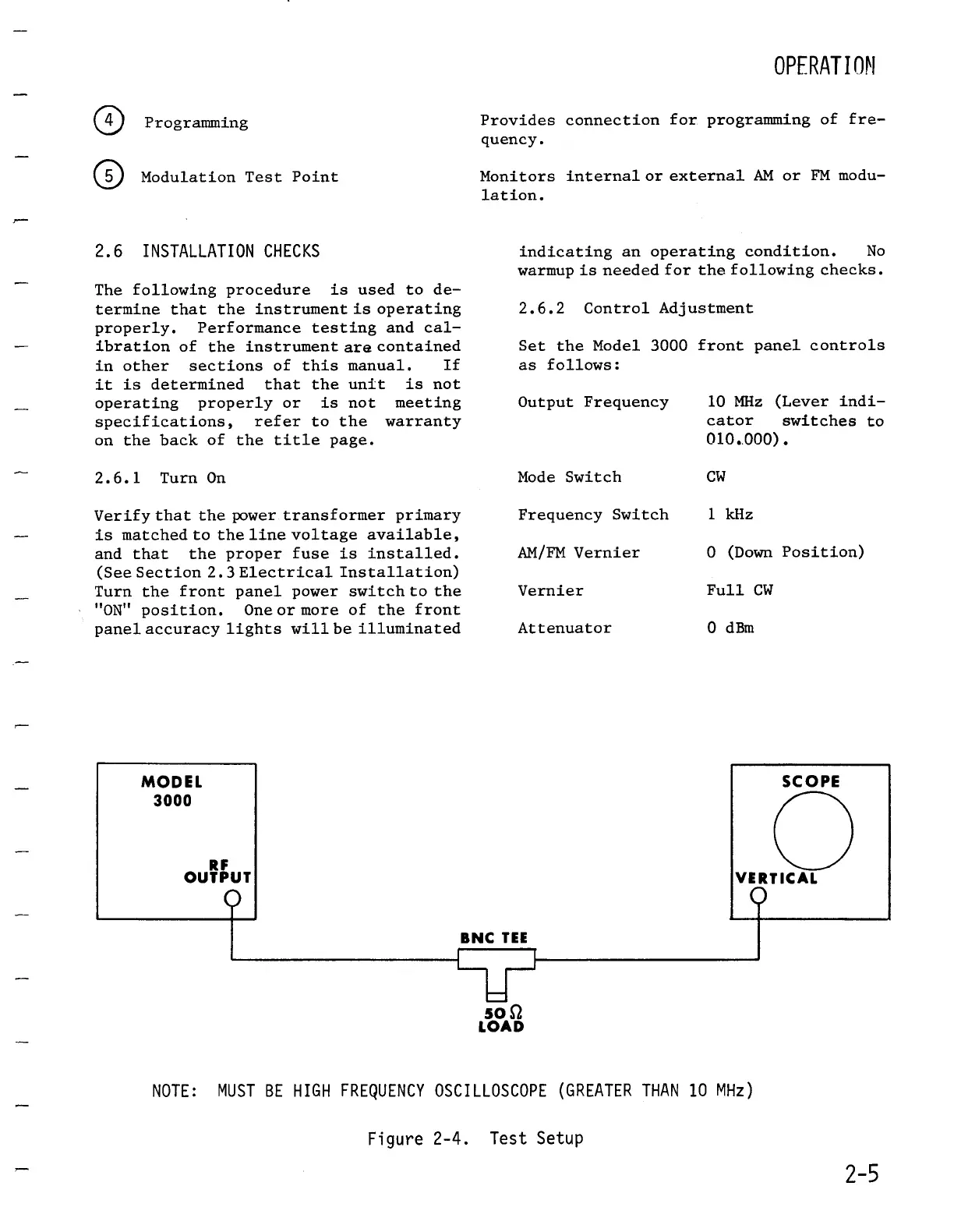
BNC
TEE
SO
SZ
LOAD
Figure 2-4
.
Test
Setup
OPFRATION
indicating
an
operating
condition
.
No
warmup
is
needed
for
the
following
checks
.
2.6.2
ControlAdjustment
Set the
Model
3000
frontpanel
controls
as
follows
:
Output
Frequency
10
MHz
(Lever
indi
cator
switches
to
010
.
.000)
.
ModeSwitch
CW
Frequency
Switch
1
kHz
AM/FM
Vernier
0
(Down
Position)
Vernier
Full
CW
Attenuator
0
dBm
NOTE
:
MUST
BE
HIGH
FREQUENCY
OSCILLOSCOPE
(GREATERTHAN
10
MHz)
SCOPE
VERTICAL
2-5

Table of Contents

Related product manuals