Installation and Initial Operation 40 Markoprint Integra Vivid
Page 12 of 45 GB
Edges and corners pose risk of injury!
Sharp edges and pointed corners may cause abrasions
and cuts to the skin.
Therefore:
– Be cautious when working near sharp edges and
pointed corners.
– If in doubt, wear protective gloves.
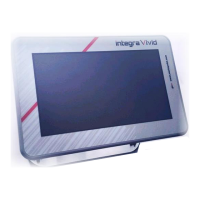
Placing the integra Vivid
The installation position must allow adequate access for operators and service
technicians.
Make sure that all fasteners are secured securely enough.
Observe all points of the "Intended Use" in the chapter on safety regulations.
During installation, please note the maximum cable length of 2m or 5m. Other lengths on
request.


 To Next Page