Installation and Initial Operation 40 Markoprint Integra Vivid
Page 13 of 45 GB
Installation of the integra Vivid
Material damage due to improper print system
installation!
With the print system switched on, a defect may occur in
the system electronics.
Therefore:
– Only install the system when it is switched off.
– Network cables only connect or disconnect if the
power supply is switched off.
Possible material damages!
Product mounting rails prepared by the customer protect
the system unit from vibrations and damage whilst the
product is passing the system unit.
Required Resources
Installation material for fixed installation (M6 screws)
Allen wrench size 5
Instruction
Please install the integra Vivid as follows:
Mount the holder of the integra Vivid Display in a suitable position near the
printing system.
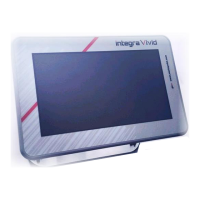
Attach the Vivid display to the holder.
Use an Allen key size 5 for this purpose.


 To Next Page