Display settings 40 Markoprint Integra Vivid
Page 35 of 45 GB
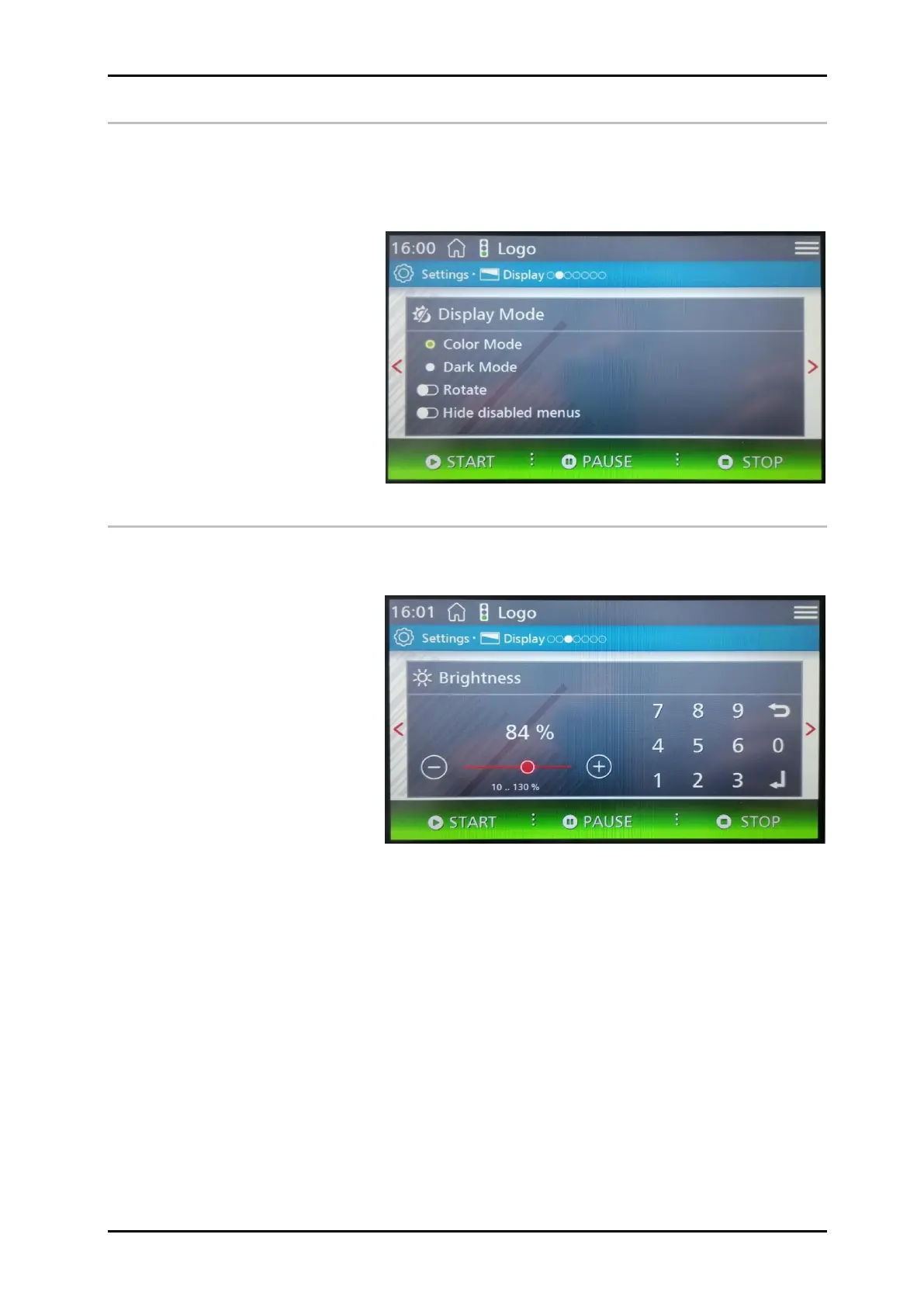
Display Mode
Various settings can be made under the display mode, such as Color mode or Dark mode.
The display image can be rotated depending on the mounting mode.
Hide disabled menus is not yet activated.
In the future, there will be three user levels with restricted operating options.
Brightness
In the brightness setting, the brightness of the screen can be adjusted as desired in the
range from 10 to 130%.


 To Next Page