Installation and Initial Operation 40 Markoprint Integra Vivid
Page 14 of 45 GB
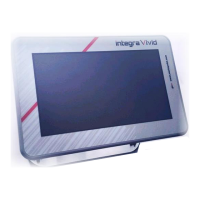
Connecting the integra Vivid
The integra Vivid is connected via an optional 15-pin cable with male/female Sub-D
connector. This is connected through 1:1. The cable must be ordered separately.
Requirements
The integra Vivid has been installed near the printing system.
To be able to use the integra Vivid, the firmware >4.026k must be loaded in the
printing system.
Instruction
Please connect the integra Vivid with the print system as follows:
Connect the connector of the integra Vivid with the optional 15pin
connection cable.
Connect the printing system with the optional 15pin connection cable.
Connect additional Periphery and, if needed, the power supply to the Vivid.


 To Next Page