Operation 40 Markoprint Integra Vivid
Page 21 of 45 GB
Print start
Instruction
Please activate a print start as follows:
Press and hold the [Start] key on the integra Vivid.
The device status LED lights up green when print assignment is successful
Print start
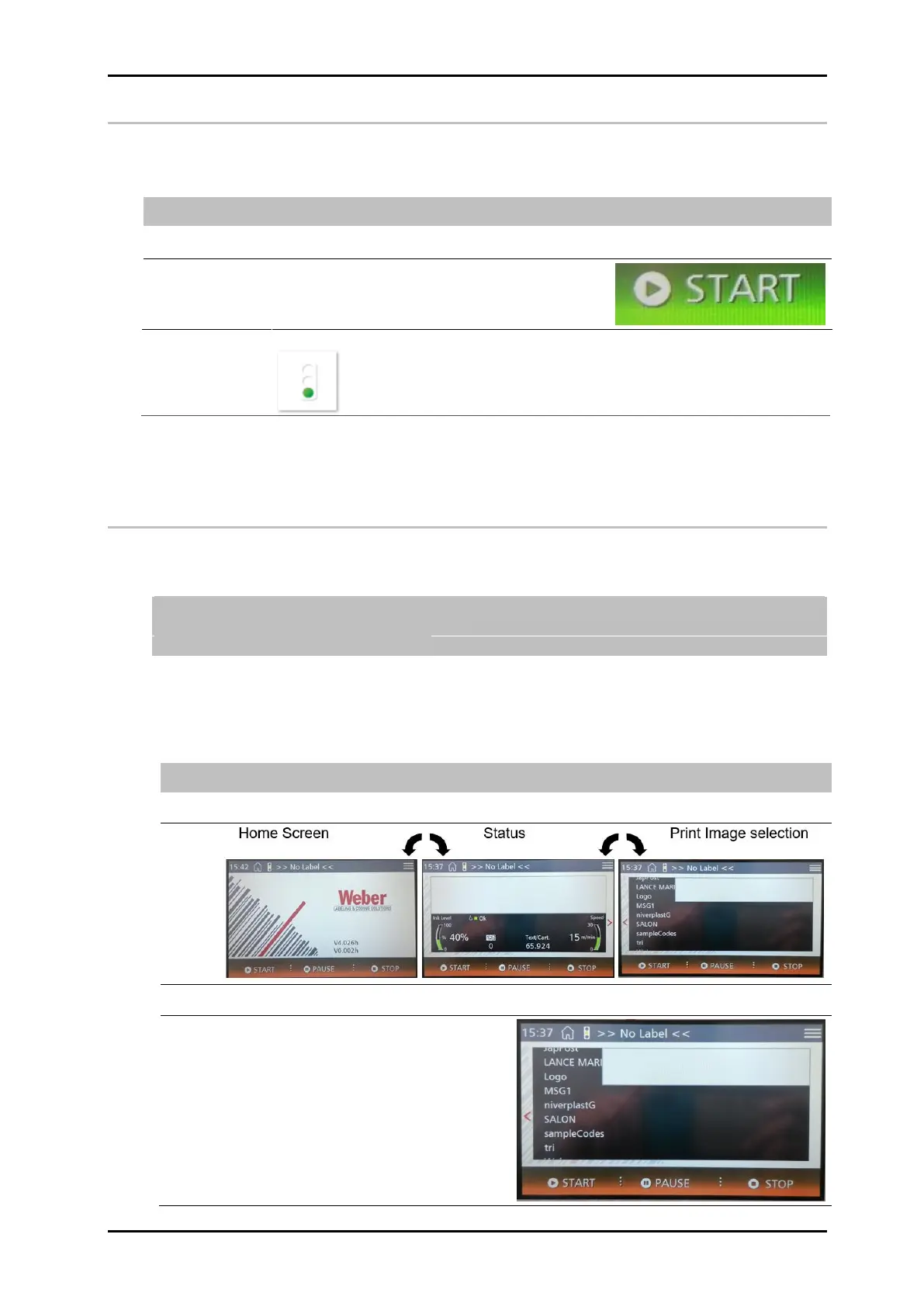
Print images can be selected directly via the touch display. To do this, carry out the
following steps.
If the selected print image contains a variable field, the variable text input option
appears after selecting the print image.
Chapter Variable input, page 22.
Instruction
Please activate a print start for a print image without variable fields etc. as follows:
Move elements on the screen by dragging them.
The menu print image selection is displayed.


 To Next Page