Print Head settings 40 Markoprint Integra Vivid
Page 26 of 45 GB
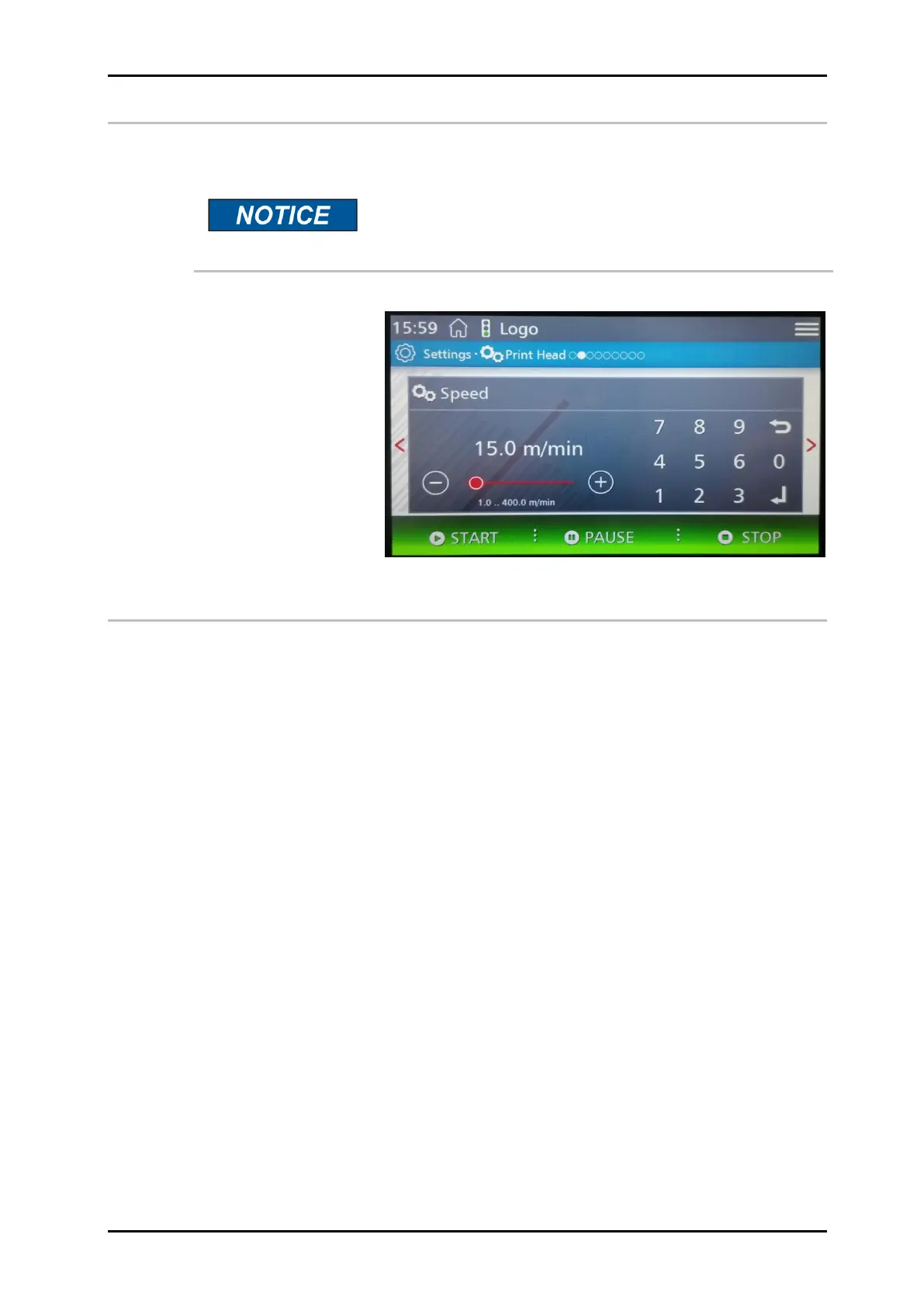
Print speed
If the product speed is uniform, the use of a rotary encoder can be dispensed with. For
this purpose, a fixed speed can be set in the Speed submenu.
This menu is only available if the menu Internal clock /
encoder is set to Internal.
To set constant print speed
The print speed of the print heads must match the conveyor belt speed; otherwise print
images may be distorted.
There are 2 ways to match the print speed to the conveyor belt speed:
Internal constant print speed
External variable print speed via rotary encoder
The internal/external speed can be set as described in the system menu.
If no rotary encoder is connected to the controller, the conveyor belt speed must be
measured or estimated and the determined value entered as a parameter.
If necessary, optimize this value by means of the test image


 To Next Page