Operation 40 Markoprint Integra Vivid
Page 16 of 45 GB
6. Operation
The Markoprint integra Vivid can be used to enter and change various functions.
These depend on the configuration of the respective printing system.
Functions that are not enabled in the respective version of the system cannot be
used via the integra Vivid.
An overview of the software upgrades can be found in the appendix to this
document.
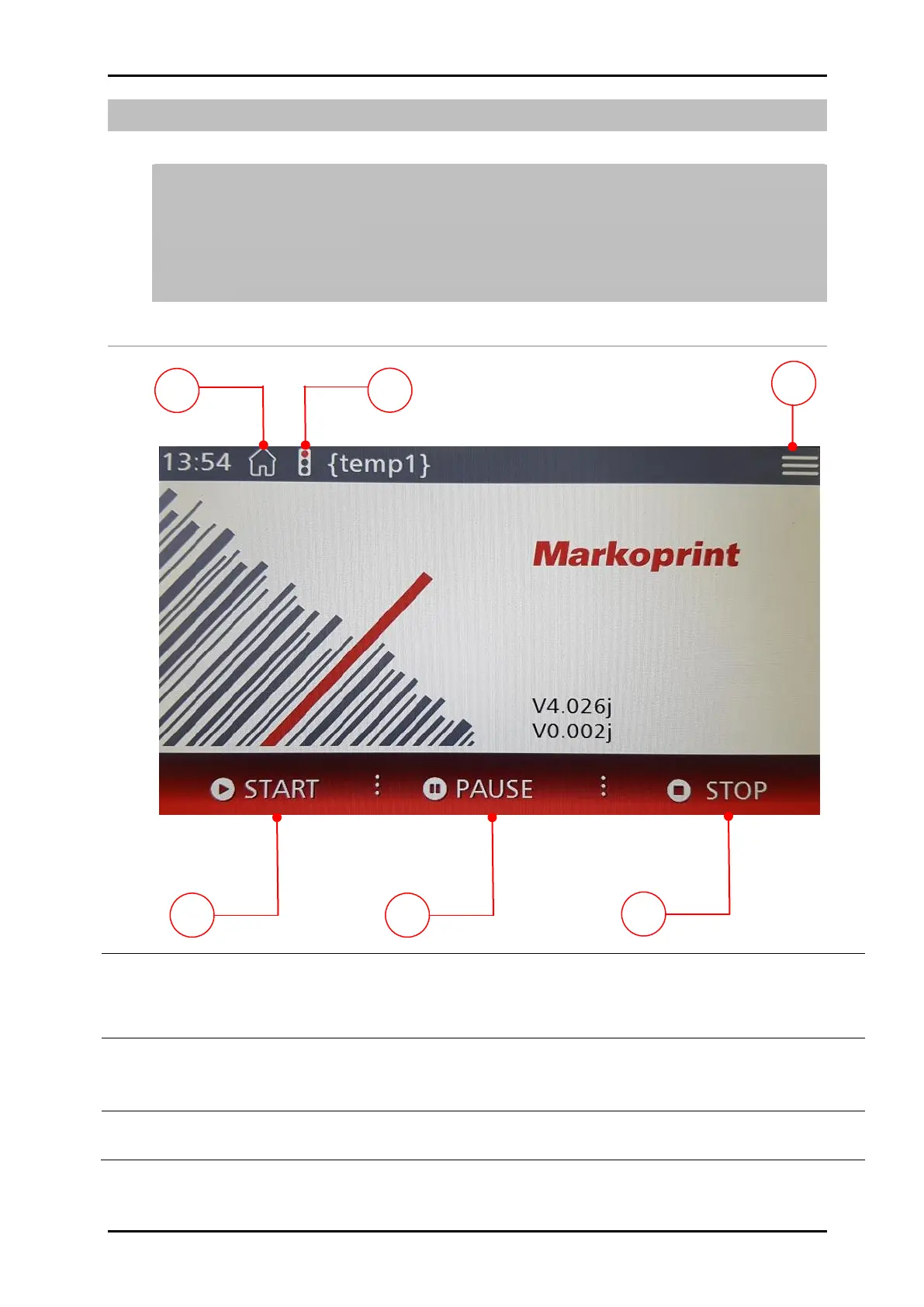
User interface of the Markoprint Integra Vivid
Press the [Start] button on the touch display briefly to activate the print
system mode.
Provided that the printer startup process is completed and there are no other faults present.
Press the [Pause] button briefly to pause printing.
Printing is paused and can be restarted by pressing the [Restart] key that
appears.
Press the [Stop] button briefly. The print image is deleted from the print
memory and the device does not print when the signal is present.


 To Next Page