Operation 40 Markoprint Integra Vivid
Page 18 of 45 GB
Switch ON
The system starts automatically with the connected print system. Switching on
separately is not possible.
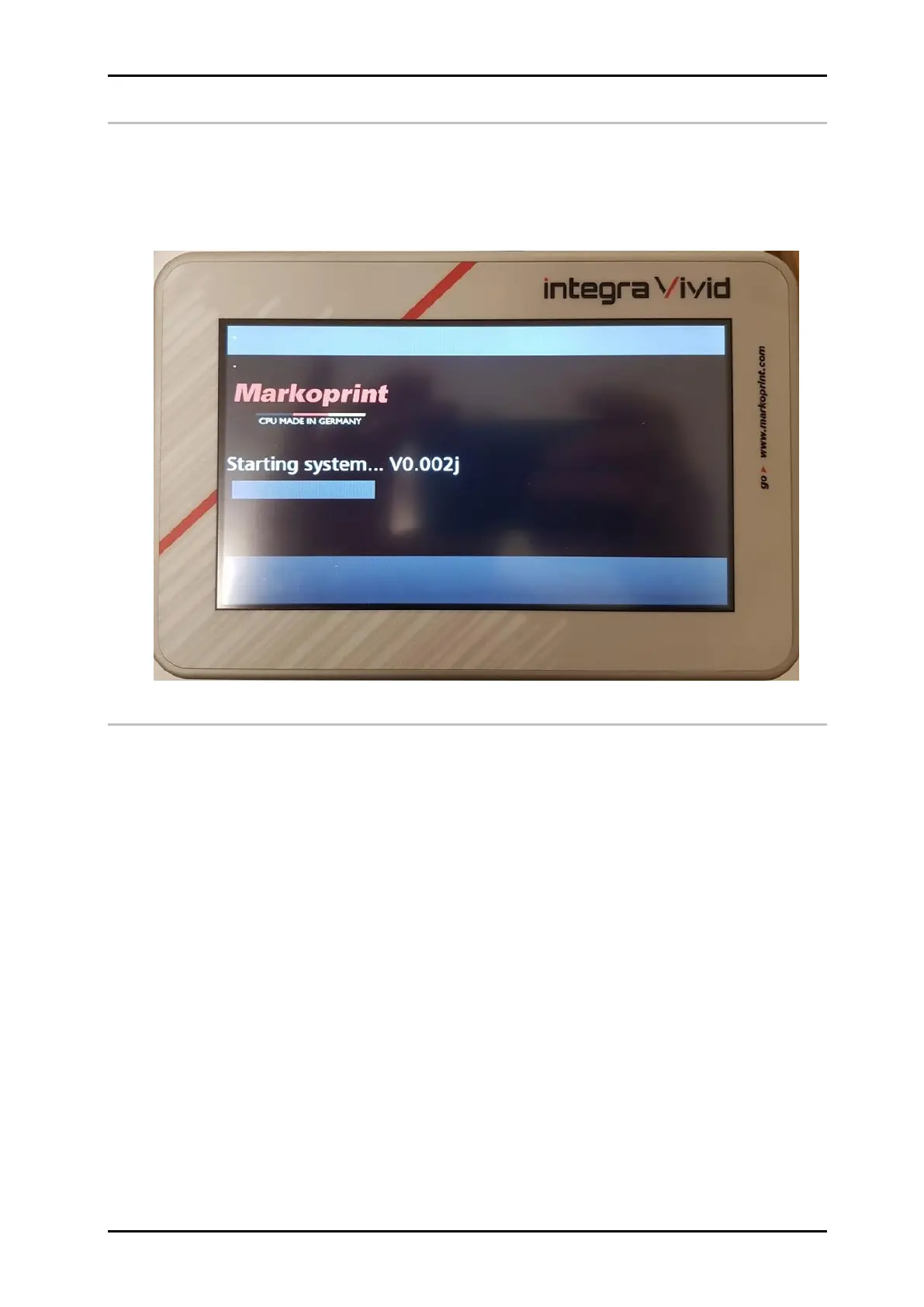
After switching on, a boot screen with a progress bar appears during startup.
Switch OFF
The system is automatically deactivated, together with the connected print system.
Switching off separately is not necessary.


 To Next Page