Print Head settings 40 Markoprint Integra Vivid
Page 27 of 45 GB
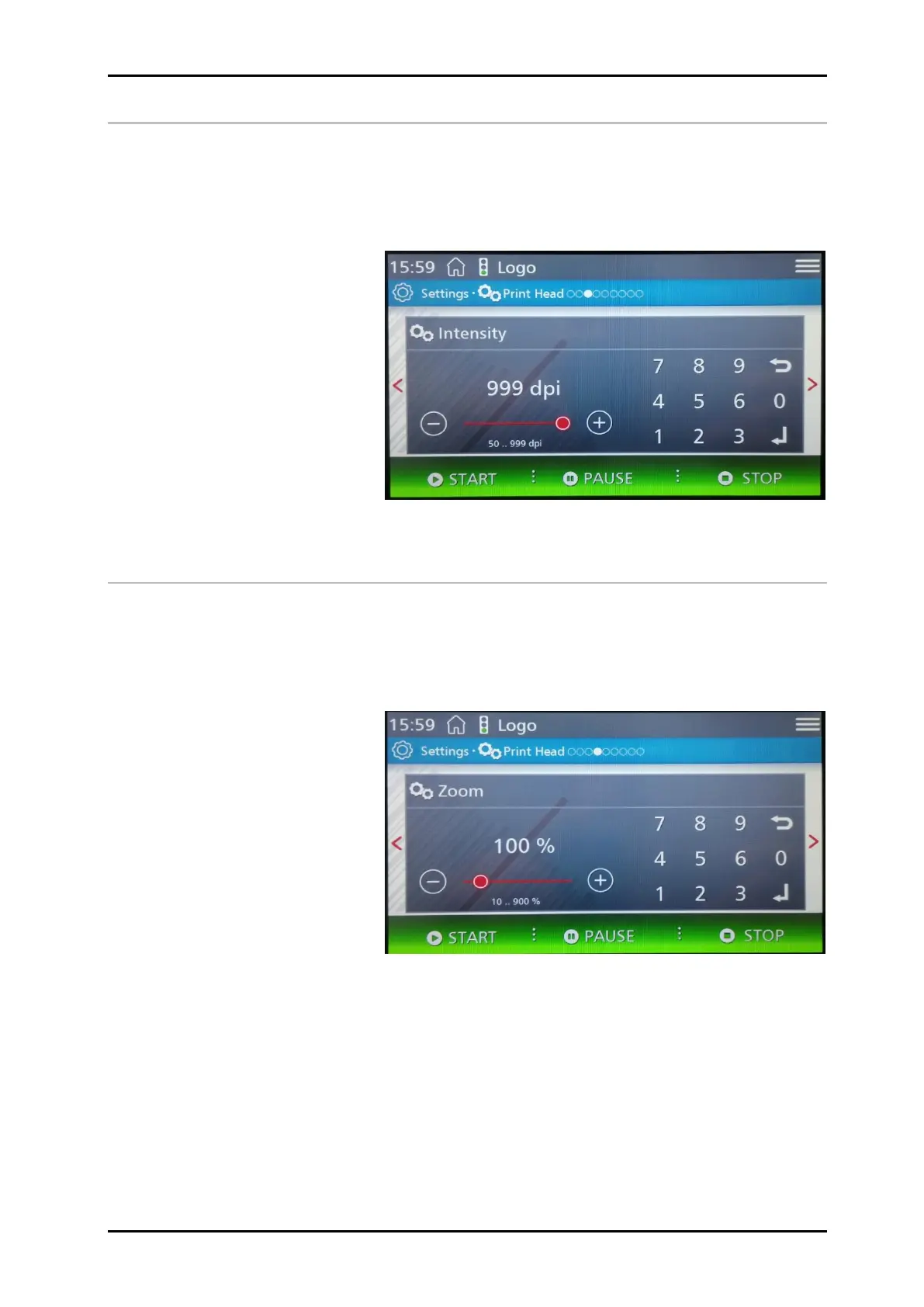
Intensity
In the Intensity menu, the print density is set in DPI.
Print image contrast. If necessary, this parameter may have to be changed to optimise
the print image to the product surface. Higher intensity means increased density and
slower drying of the ink.
Standard value for HP and LX: 300dpi, for MX: 192-200dpi.
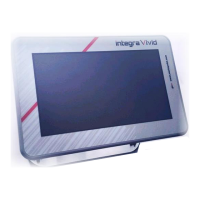
Zoom
This parameter enables an increase or decrease of the number of pixels. This renders
the print image wider or narrower.
The printed image is widened or narrowed even if the DPI setting is changed. This can
be prevented when the zoom is in the advanced settings set to "fixed zoom = yes". Then
it is printing always 1:1,if setting on the image is 100%, regardless of the DPI setting.


 To Next Page