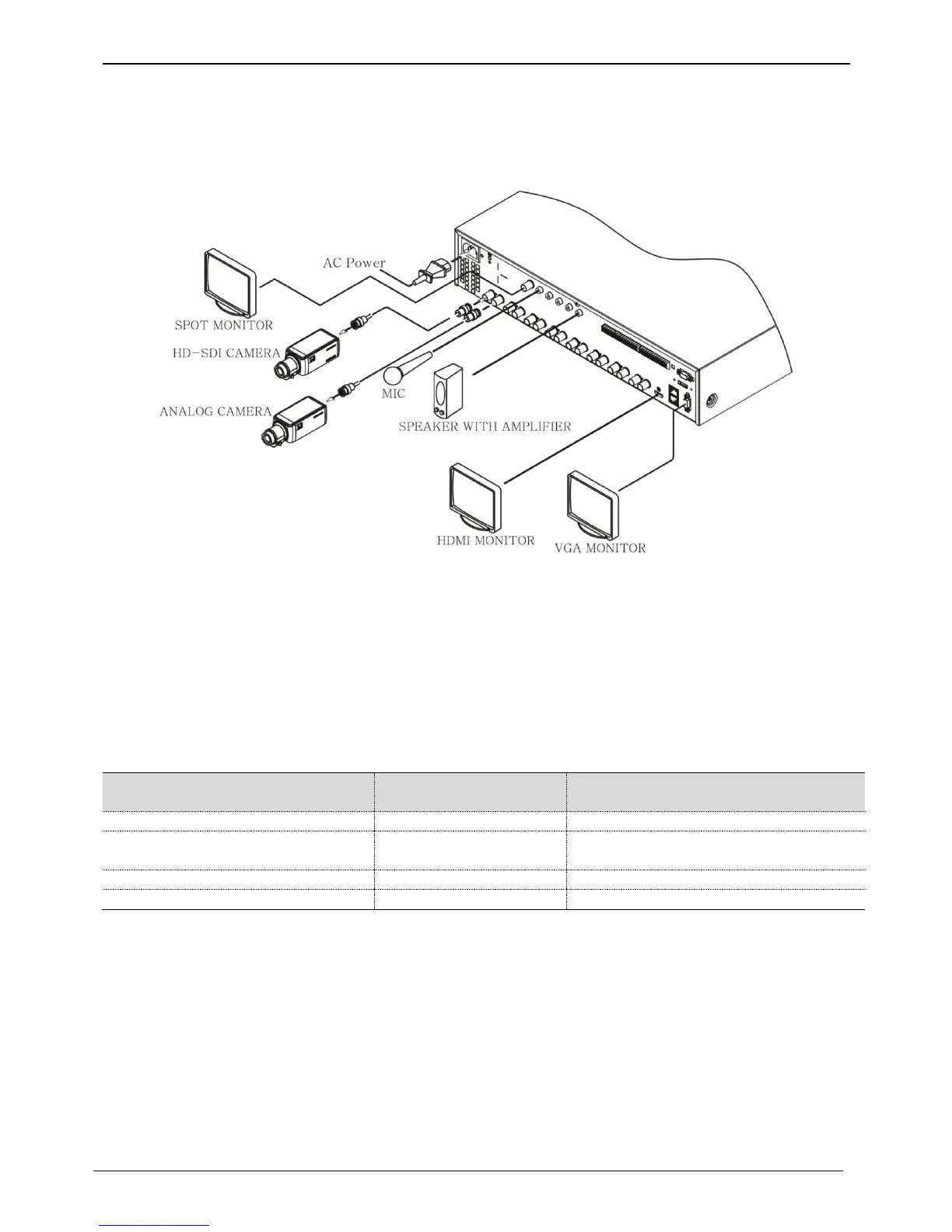
Connecting other devices
Basic connections
Connecting a monitor
Check monitor resolution and connect to DVR.
HDMI Port : 1920 x 1080p
<Note>
We strongly recommend using HDMI certified cable when connecting to DVR.
Connecting a Camera
Connect 1080P, 720P, 960H, NTSC/PAL camera using recommended cable.
Recommended cable *
* Depends on manufacturer and models.
* The transmission distance will be almost doubled in case it is used with WEBGATE’s D1080 Series camera or
DoubleReach™ Converter
<warnings>
Transmission distance will be affected by cable types and installation site environment
Transmission distance of the chosen cable will be various based on reduction rate of 750MHz
(reduction rate of dB/100m < 25dB is recommended)
Foamed or high-foamed trishield cable is recommended.
Impedance 75Ω must be used for coax cable connection and connector work.
Beware of deformation of cable due to high pressure over the cable.
Don’t pull the cable with too much force.
For DVR input/output, cables will be tied at the rear of the rack. If tied too tightly, inside/outside insulator can be
deformed so tie it loosely within cable’s curvature range.
High-foamed cable, double or triple
shielded cables are recommended
5C-FB(T), 5C-HFB, L-6CHD, RG6



 To Next Page