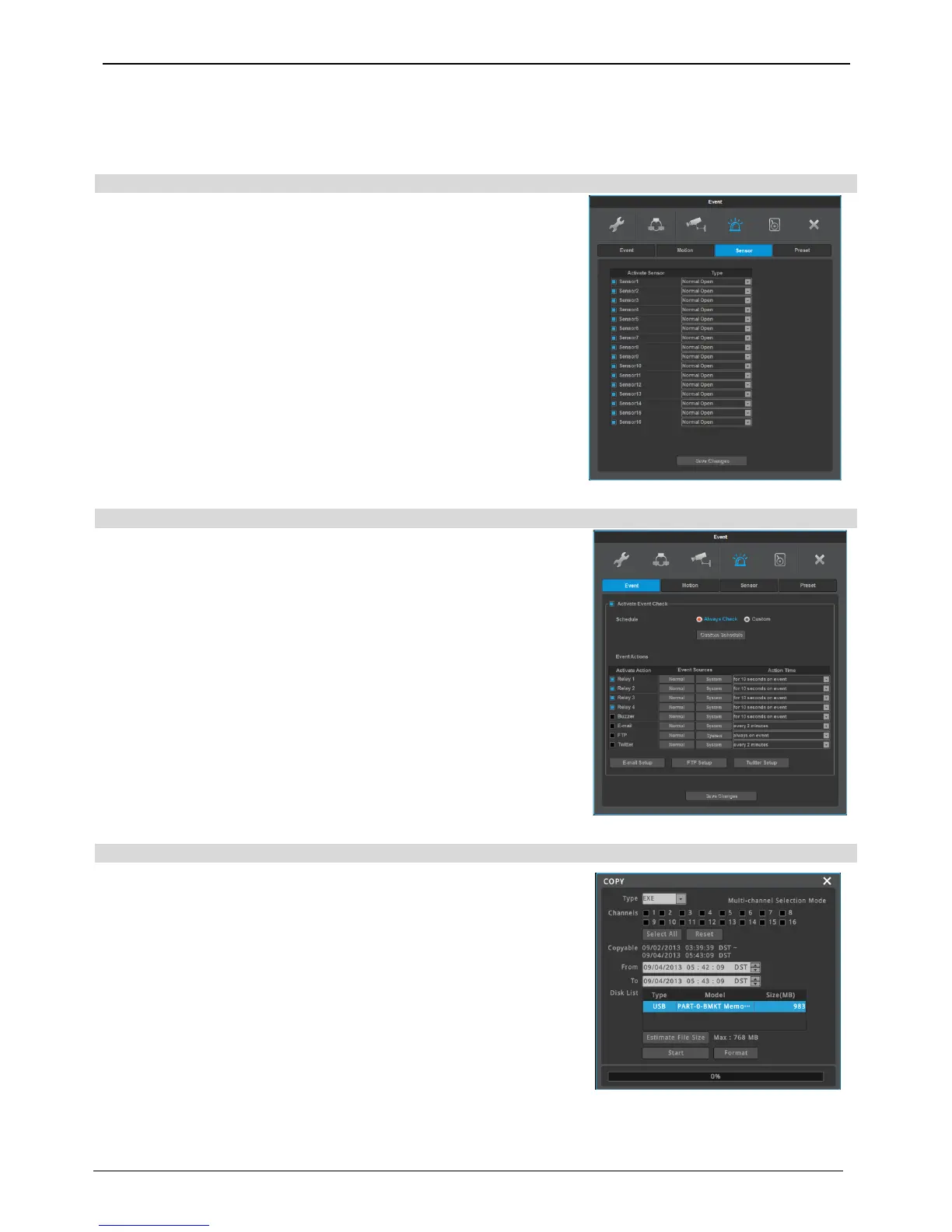
Please set each and every sensor. Select a sensor, and select a type
and click [save] to complete the setting.
Select from normal event group, “sensor, motion detect, text, Video
Loss” or system event source group, “Disk error, Disk full, Fan error,
authentication fail, WRS registration fail, Mirroring fail, abnormal
Recording stop” to run relay. Also, user can set working condition by
schedule. In case of using control center thru. Network, relay could be
run from remotely
Also remote relay control can be made through status&motion relay
icon in Control Center.
In case backup media is well connected, click [Copy] button in FUNC
menu and back media is auto detected.
Select copy type Select channel Set copy interval(time) Select
drive Start copy.



 To Next Page