EasyManua.ls Logo

WebGate EH1600L - User Manual

WebGate EH1600L
126 pages
Print Icon
To Next Page IconTo Next Page
Loading...
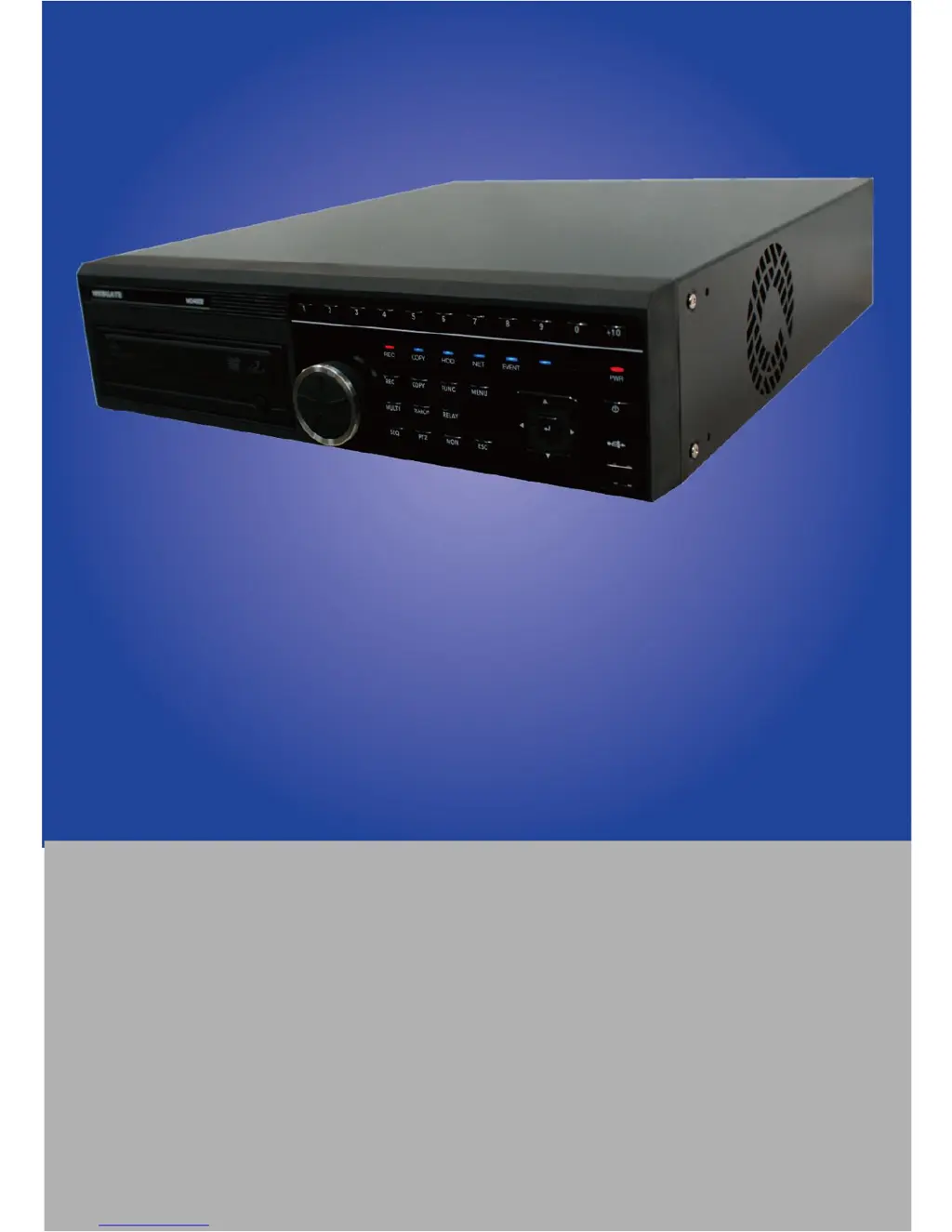
EH1600L, EH800M, EH400H, LH1600C, LH800L
Digital Video Recorder
Installation/User Manual
We sincerely appreciate purchasing Digital Video Recorder.
For product connection and initial configuration, please, refer to the
installation guide and for the product details, refer to user guide
English

Table of Contents

Questions and Answers

  • J
    John AllenAug 16, 2025
    Why is there no video on my WebGate DVR monitor?
    • L
      lori76Aug 17, 2025
      If there is no video displayed on your monitor when using your WebGate DVR, verify the monitor's power is on and check the cable connecting the DVR to the monitor. Also, inspect the monitor cable port and ensure the DVR power is not off. If the monitor video is in gray mode, check the camera type (NTSC/PAL) and reboot the system.
  • J
    Jennifer NelsonAug 19, 2025
    What to do if my WebGate DVR is not recording?
    • F
      fhernandezSep 12, 2025
      If your WebGate DVR is not recording, verify in the Disk Manager if the HDD is mounted. Also, check the recording configuration to ensure it is set up correctly.
  • J
    Jill DavidAug 22, 2025
    How to fix a WebGate DVR when the network is not working?
    • C
      Corey ElliottAug 22, 2025
      If the network is not working with your WebGate DVR, check if the network cable is properly connected. Also, verify the DVR IP address and the computer's IP address. Perform a Ping Test and check the PC specification if Webview video is not shown.
  • J
    Jamie LunaAug 25, 2025
    What to do if my WebGate DVR remote controller is not working?
    • D
      David PachecoAug 26, 2025
      If the remote controller for your WebGate DVR is not working, start by checking the remote controller battery. Then, check the remote controller ID and ensure you are using the remote controller correctly.
  • A
    Anthony WilliamsAug 28, 2025
    What to do if there is no playback on my WebGate DVR?
    • S
      Samantha ElliottAug 28, 2025
      If there is no playback on your WebGate DVR, check the recording configuration and ensure it is properly set. Also, check the playback button to ensure it is functioning correctly.
  • J
    jennapetersonAug 31, 2025
    What to do if some channels have no video on WebGate DVR?
    • E
      Emily JonesAug 31, 2025
      If some channels on your WebGate DVR have no video, check the camera power and the camera video input. Also, check the DVR input port. Verify the On/Off status of the Activity configuration of the screen and the Covert configuration of the monitor.
  • K
    kristenrodriguezSep 3, 2025
    How to fix WebGate DVR video that is too bright or dark?
    • H
      Heidi GraySep 3, 2025
      If the video on your WebGate DVR is too bright or dark, check the camera configuration. Also, check and dismantle any power cables near the video cable. Verify the Brightness and Contrast settings of the screen.
  • C
    Colin SmithSep 6, 2025
    What to do if front button is not working on WebGate DVR?
    • C
      Carrie ShortSep 6, 2025
      If the front button on your WebGate DVR is not working, check the DVR power. Also, check if the screen is locked.
  • S
    Samantha GrahamSep 9, 2025
    Why is my WebGate DVR failing to boot?
    • K
      kimberly68Sep 9, 2025
      If your WebGate DVR is failing to boot, check the power supply and the power cord.
  • K
    kennethbrownSep 12, 2025
    When should I contact the shop for my WebGate DVR?
    • J
      Jonathon JenkinsSep 12, 2025
      Contact the shop in case of extraordinary working (e.g., noise, smell, or fume). Also contact the shop if there is connector breakage of the power cable, if rain or water is inside the product, or if any liquid or foreign object is inside the product. Contact the shop if the product is not working in accordance with the manual, in case of breakage from product dropping, or if the product performance drops dramatically.

WebGate EH1600L Specifications

General IconGeneral
BrandWebGate
ModelEH1600L
CategoryDVR
LanguageEnglish

Related product manuals