33
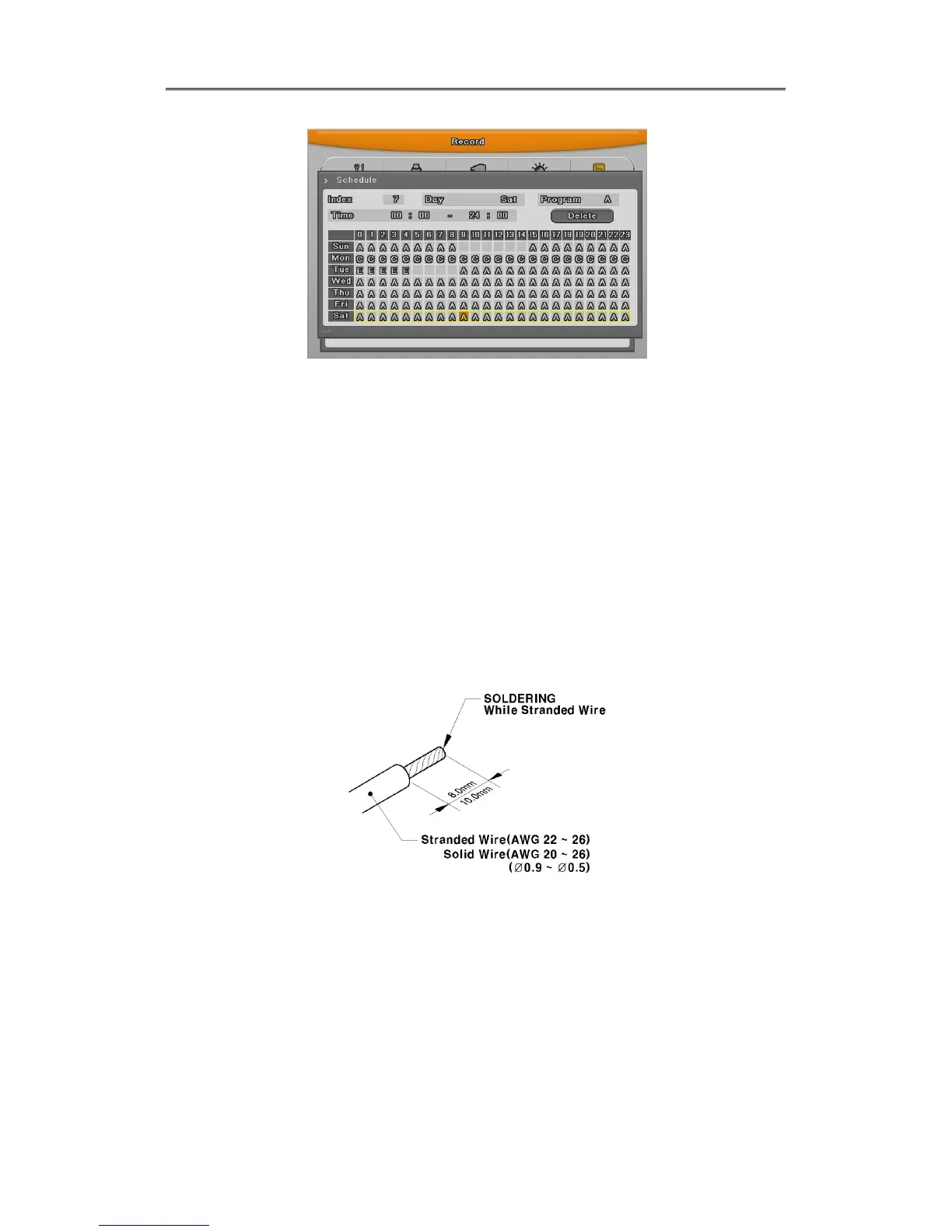
Set recording mode as “Scheduel & Event” and set by date/ time.
Checking method for recording
<Reference>
If recodrding setting is finished correctly, “REC LED” in front is flickering. In addition, it
is marked [S] indicating that all channels are recroding.
2.3 Connecting and configuring DIO ports
2.3.1 Wire Handling
When connecting a wire to a terminal block, follow the instruction below. Not the different types
of wire that can be used.
- Standard wire : Pie off the wiring cover 8~10mm and solder it. Wire gage should
AWG 22~26.
- Sold wire : Peel off the wiring cover 8~10mm and solder it.Wire gage should be AWG 20~26
2.3.2 Inserting & removing wire
To insert & remove wire in Terminal Block, use a screwdriver in the diagram to the below;



 To Next Page