104
7.5.3 Channel On/Off
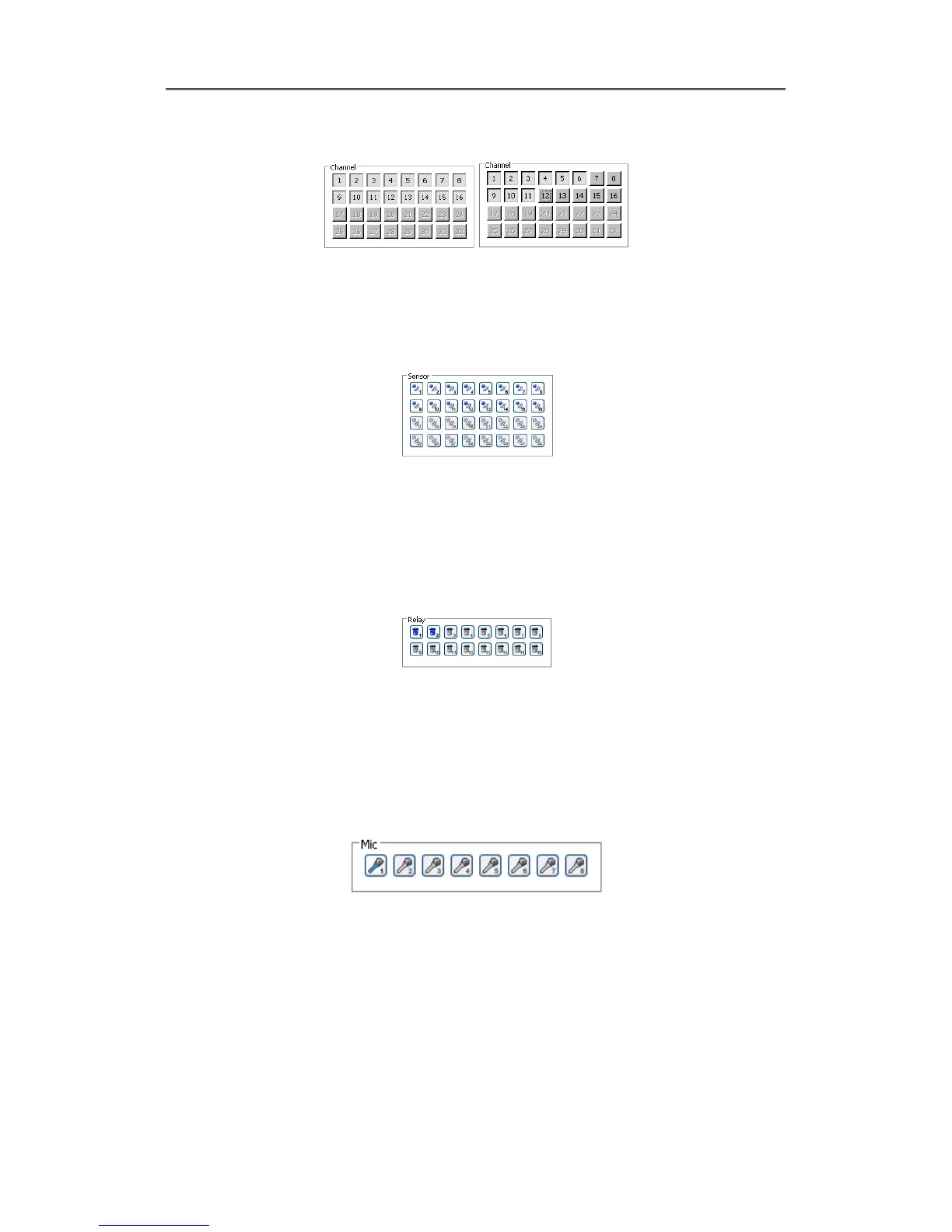
It is On/Off button for the Channel located to left in page. Click the channel wanted to On or Off.
And Default is On.
7.5.4 Sensor Indication
The icon indicates when sensor occurs in system
When it sensorsed, relevant sensor icon comes to Red, and indicates sensor number of video.
7.5.5 Relay opeartion
It can On or Off Relay of the unit. Click the number button to activate Ralay On, then the incon
changes from Blue to Orange color.
.
Disabled Relay button refers to do not support and relate to this unit.
Relay is need user’s authority. Refer to user manual in the unit for the setup of User’s authority
of Relay.
7.5.6 Using microphone
It can On or Off the use microphone.Default is Off and it is changed from the Blue to Red when
click the button for the use Mic.



 To Next Page