65
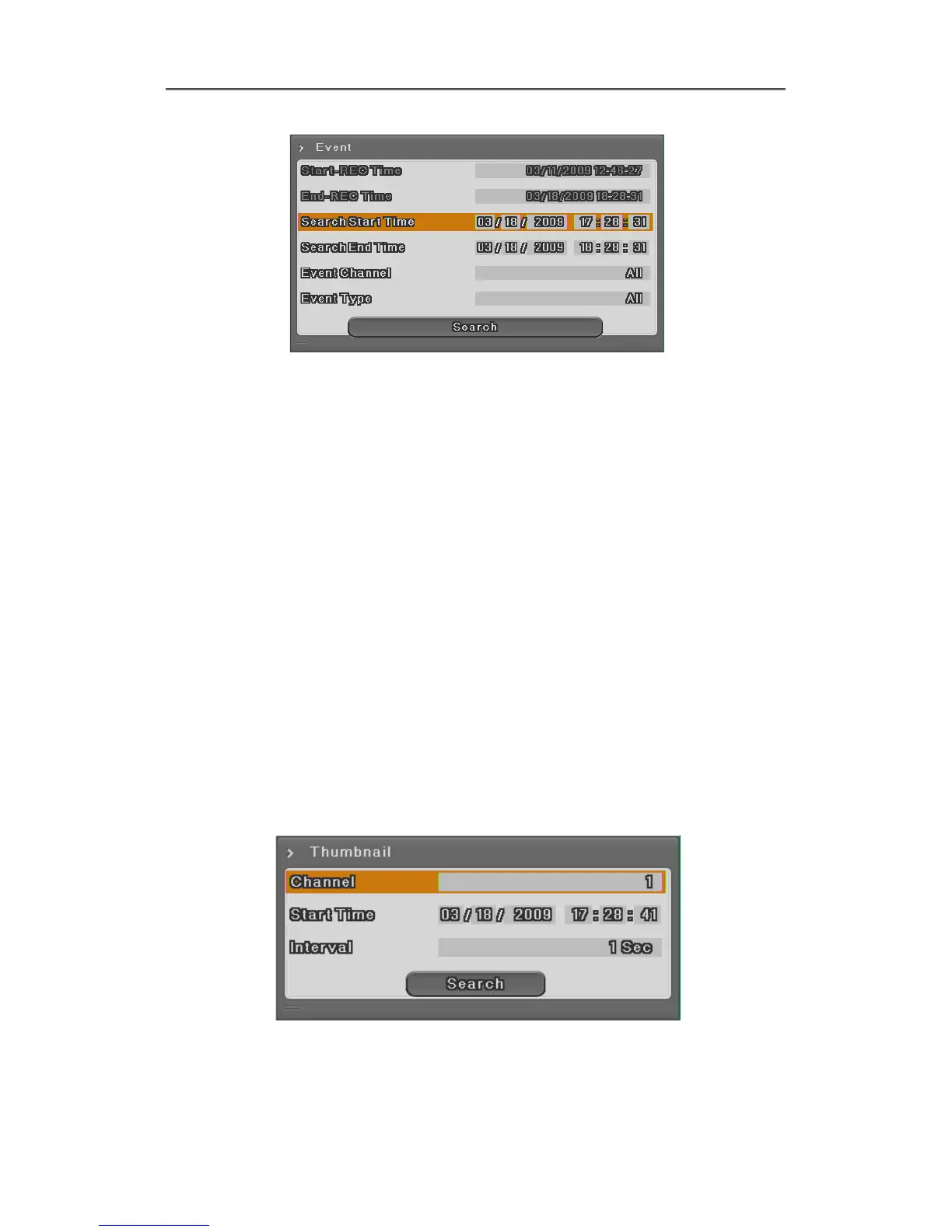
Start-REC Time : Starting date and time of the recording.
End-REC Time : The latest date and time of the recording
Search Start
Time
: Input start date and time for search with direction button and push
Enter and change the value by Up and Down button. With mouse, click
and scroll the wheel.
Search end Time
: Input end date and time for search with direction button and push
Enter and change the value by Up and Down button. With mouse, click
and scroll the wheel.
Event Channel : Select the channel for search
EH1600L, LH1600C from Ch1 to Ch16
EH800M, LH800L from Ch1 to Ch8
EH400H from Ch1 to Ch4
Event Type : Select the event type for search
There are all events, motion detection,sensor, video loss, text type
5.2.4 Thumbnail Search
Search certain channel by thumbnail type. If select the searched thumbnail, selected date and
time video will be played back.
Channel : Select the channel and change the value by direction key or mouse
wheel.



 To Next Page