102
Login page provides manual installation program to use WebViewer function.
PC that access to WebViewer first installs ActiveX to use WebViewer’s function. At this time
when installation is not smooth, installation program needs to download from Login Page and
install manually.
Caution
When install WebViewer Installer, it must close all program related to Control Center. It
might not be efficient to install.
7.5 Monitor
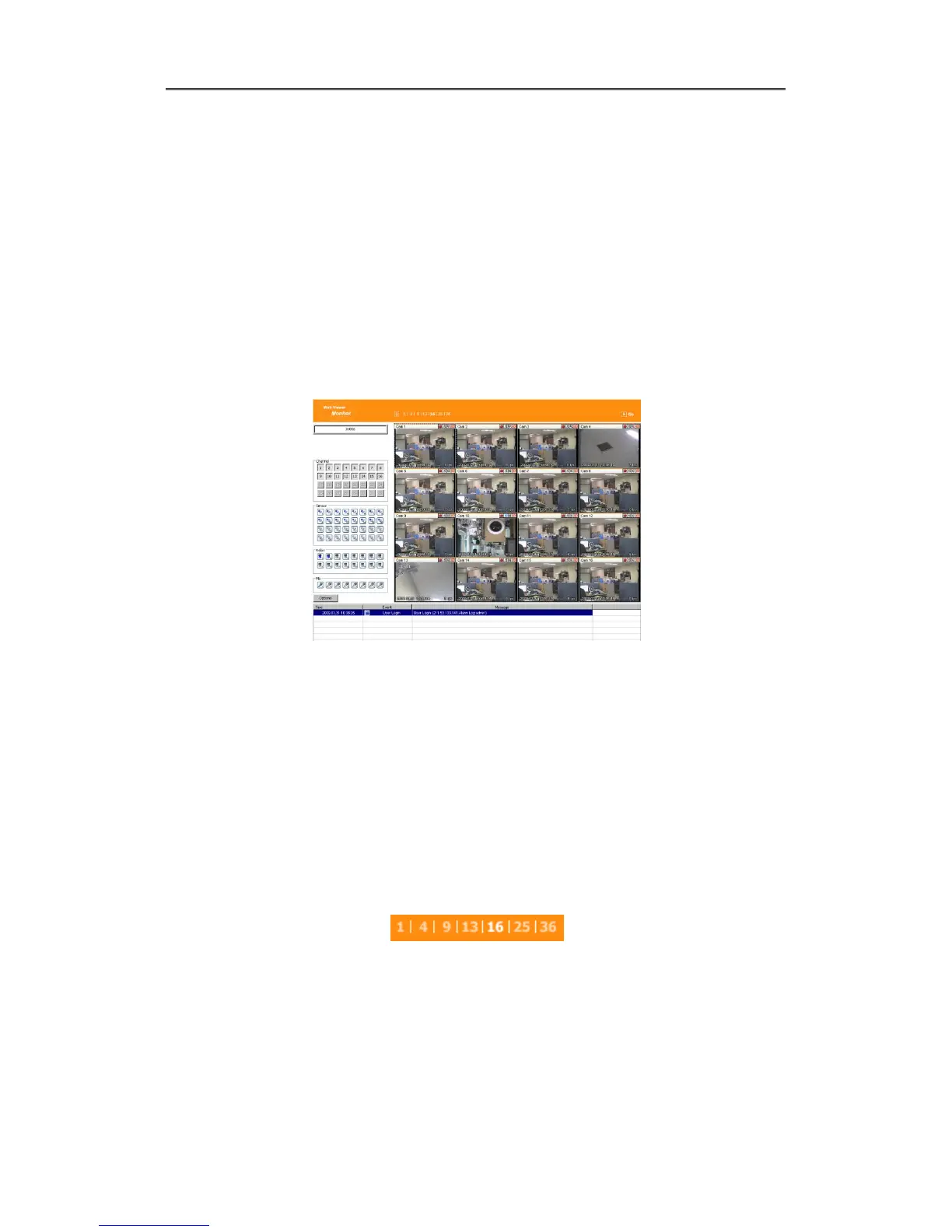
When it is authorized with User ID & Password input at Login page, it moves to
Monitor page. At Monitor page, monitor real time image of cameras connected to
DVR, or it can control PTZ camera, Relay, and use Microphone function according to
user’s authorization.
Study introduction of each Monitor part and functions of the page.
.
7.5.1 Screen division and changing video position
When access to first Monitor page, it is displayed into 9 division, 16divisions or 32 divisions
according to number of channel.
It can to change to 1, 4, 9, 13, 16, 25, 36 divisions by click number on top of page.
Also, it can change to 1 channel mode by click any one of channel image.



 To Next Page