57
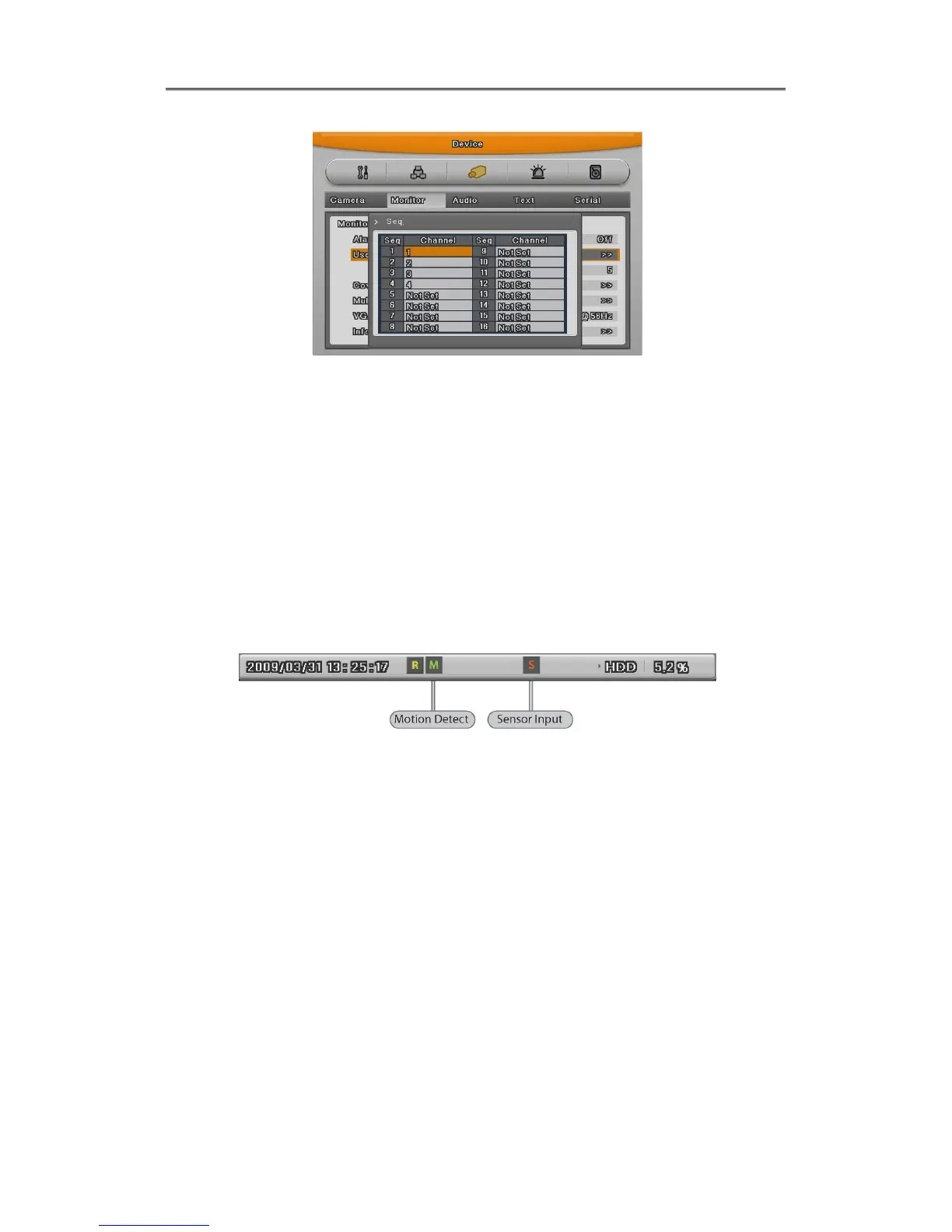
User mode can define max. 16 channels.
As shown above picture, the 16ch DVR can be define between channel 1 ~ 16, the 8ch DVR
from 1 ~ 8 and the 4ch DVR from 1 ~4.
4.6 Event Screen
When there is an event occurred, the green color [M] and red color [S] will be display from
status bar. In case of [M] displayed, the camera name will be turned to green color, and it will
turn to yellow when Motion Detection event finish.
In case of [S] displayed, the camera name will be turned to red color, and it will turn to yellow
when Sensor event finish.
It can be set to Pop-up automatically relevant screen when alarming.
Set pop-up period can be set into “Alarm Pop-up (sec)” inferior to “Monitor” menu.
At the simultaneous alarming in several channels, it displays the division as many channel as
alarmed. For example, when 3 channels alarm, 4 divisions is displayed on screen. And press
any button to return orginal channel.



 To Next Page