68
the vaule using up-down key or mouse wheel.
End time : Set End date or time to copy. After selecting part for change and set
the vaule using up-down key or mouse wheel.
Select disk : Select media to copy. Press Enter on Disk list or click mouse.
Start : Start copy. Press Enter or click mouse.
Reference : not perfectly finished backup file will not be played back in PC.
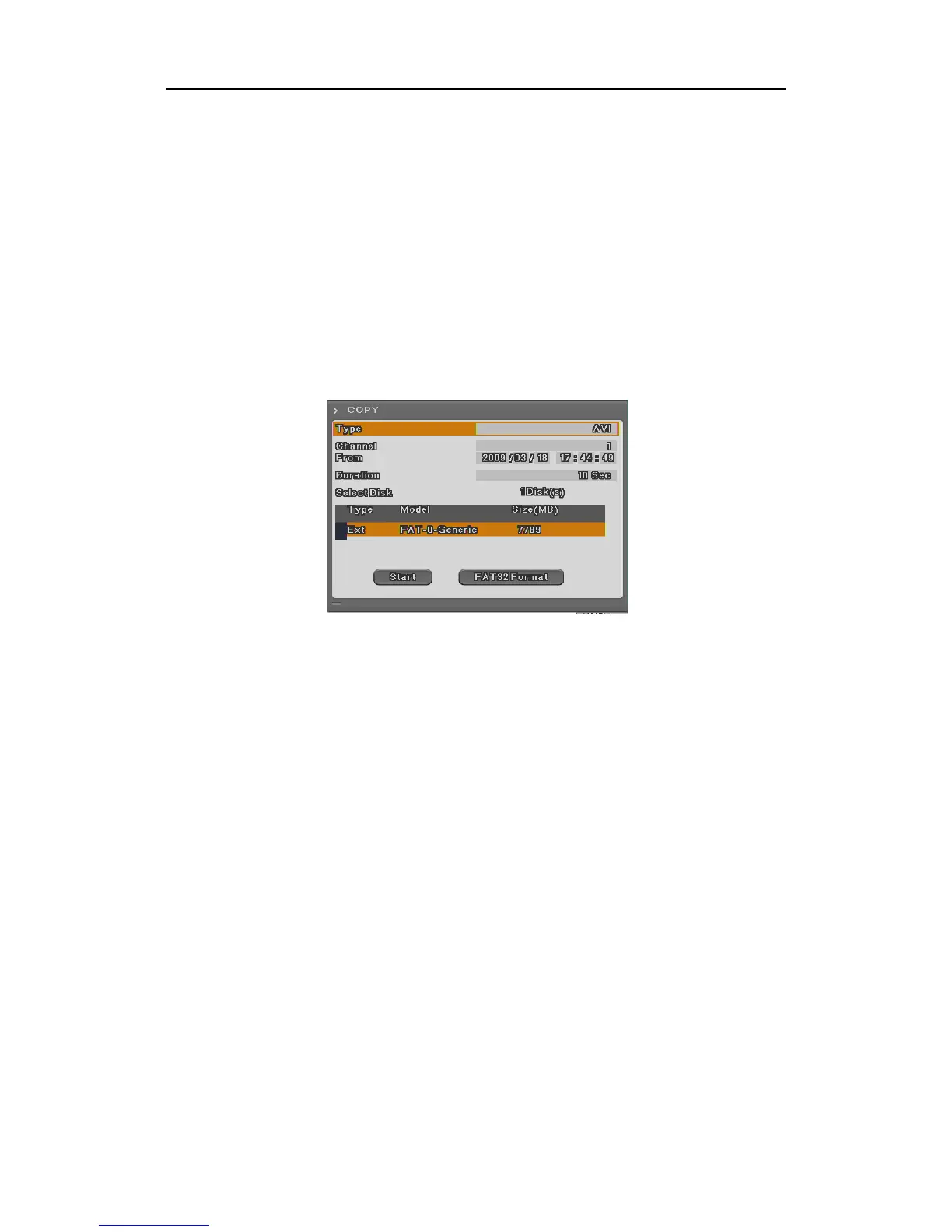
5.3.3 AVI
Use USB memory or HDD to copy certain part.
Type : Select AVI using up-down key or mouse wheel.
Channel : Select the channel to copy by up-down key or mouse wheel.
From : Set start date and time to copy. Time and Year by left/right button and
date/time by up/down button. With mouse, click left button first and use
wheel.
Duration : Set copy length. Copy as selected time length from the start using
up/down key or mouse wheel.
Select disk : Select media to copy. Press Enter and select media or click mouse.
Start : Start copy. Press Enter or click mouse.
Caution : If copied file is not played back, please, install integrated codec first.



 To Next Page