47
User Manual
3 Menu Use
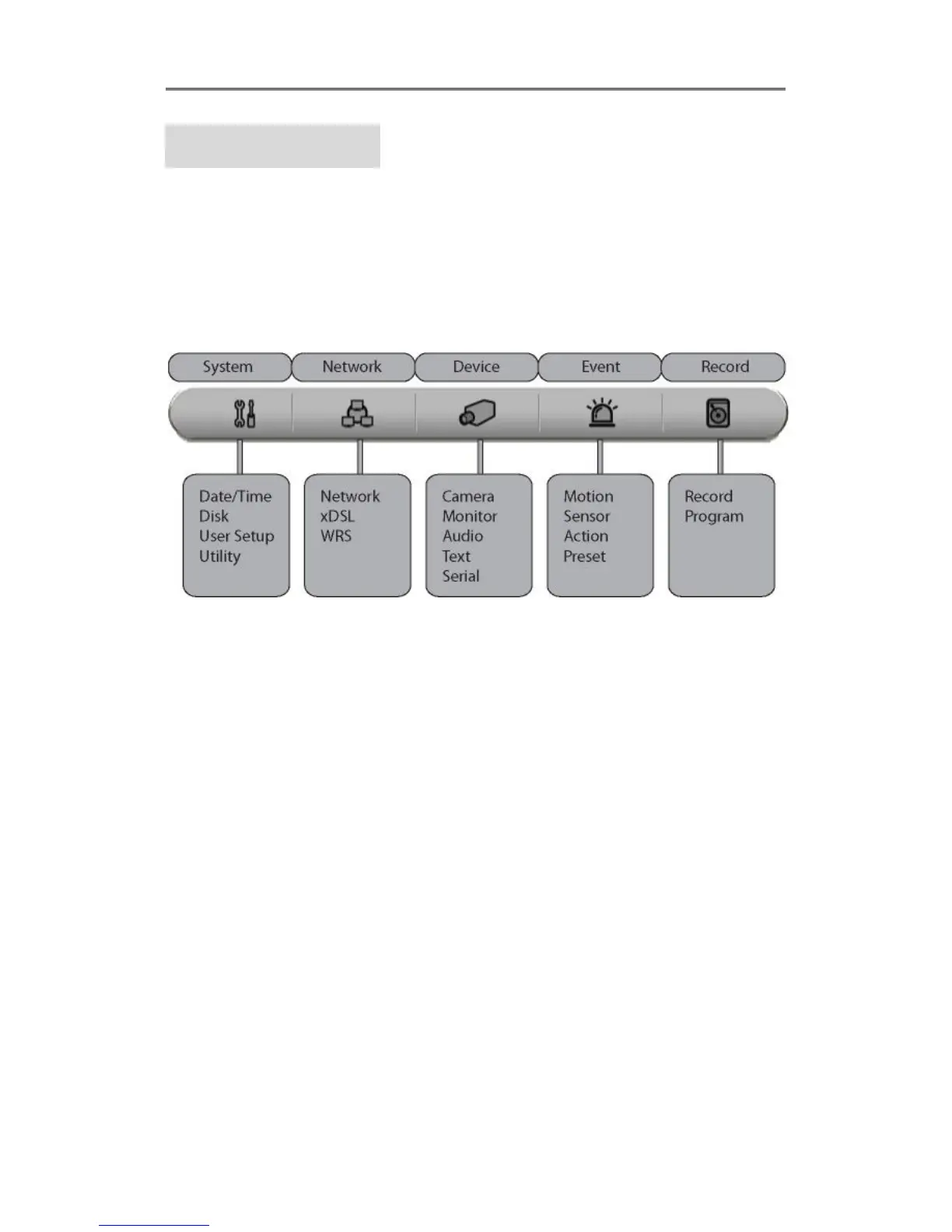
3.1 Menu Structure
The menu structure will be shown like below image, and each menu setting method descriped
from chapter 4 to chapter 6.
3.2 Function Menu
To execute Function menu, click the right button of mouse or select ‘FUNC’ button on front
panel. The Function menu can be controlled by mouse.
Each function can be executed by clicking right button of mouse and click desired icon.
The Function menu also can be controlled by front part of DVR’s buttons.
Please refer to below picture for the Function menu structure.



 To Next Page