24
[EH-Series] [LH-Series]
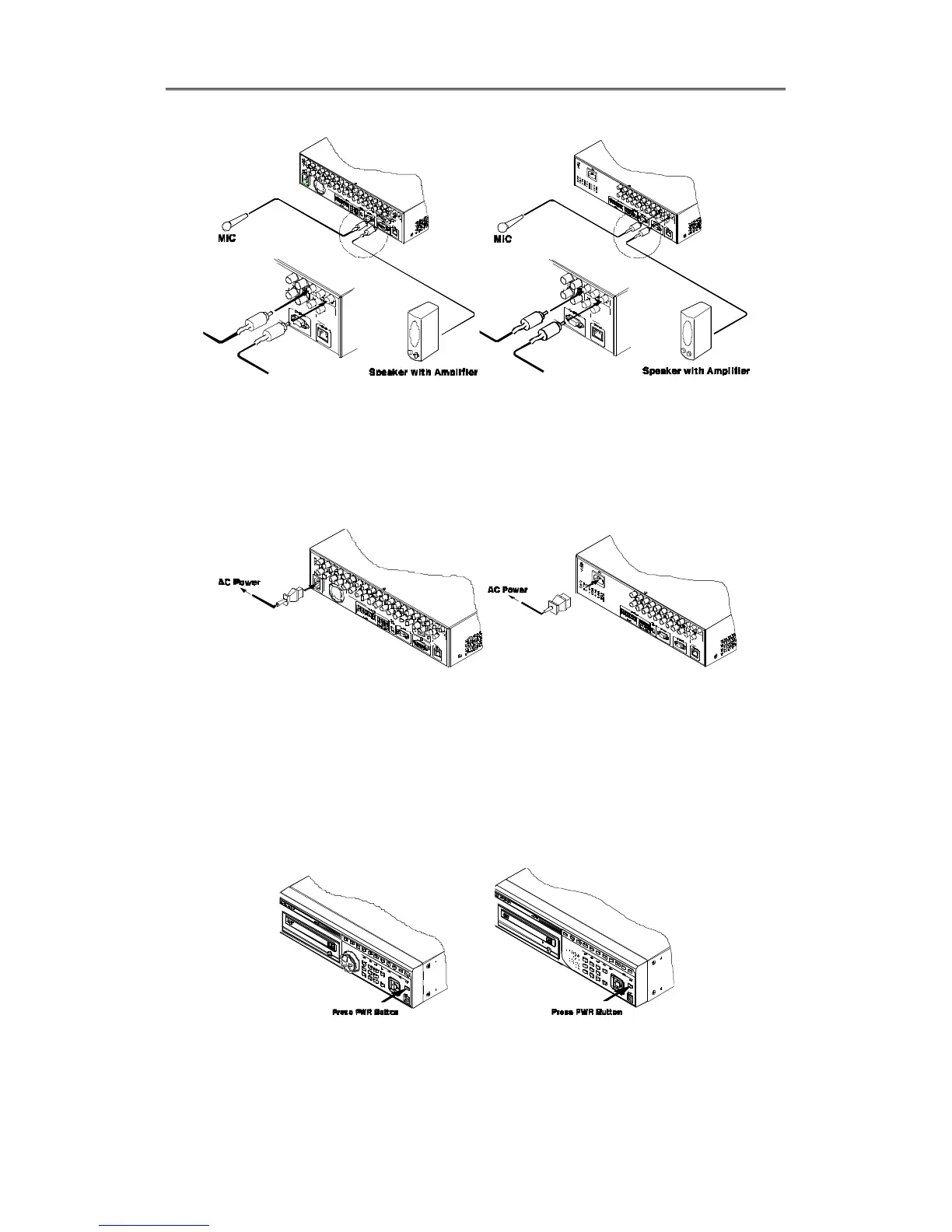
2.1.1.4 Supplying Power
Connect power cable as below;
[EH-Series] [LH-Series]
- When supplying power, DVR starts booting automatically.
- In order to cut off power, press power switch on DVR front during 5 seconds, then select
“YES” after appearing a pop-up window.
- For supplying power again, push the Power button.
[EH-Series] [LH-Series]



 To Next Page