109
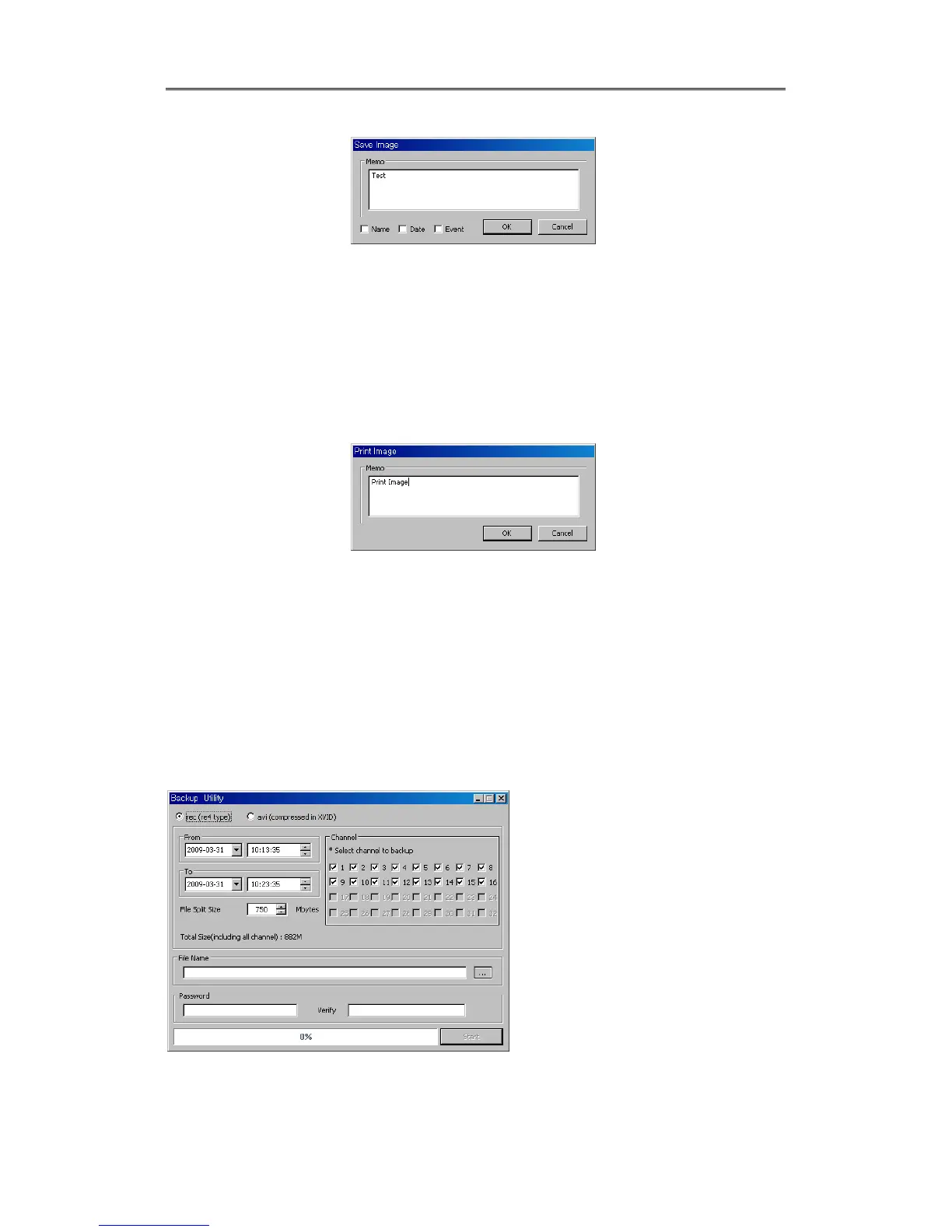
Save Iamge dialog box appears, then it can input message or select channel name, date,
event data.
Press ‘OK’ to open dialog box for the saving location, then save bmp file.
7.6.2 Printing
Select image with mouse for the channel to print image saved, and then click ‘Print’ button.
Window comes to input Memo, and click ‘OK’ button to print the image through the printer
connected.
Print material includes ‘Printing Date’, ‘Channel name’, ‘Recording Date’ ‘Event’, ‘Memo’.
7.6.3 Backup
There are re4(Mulit channel) and avi(single channel) Set From, To time and select the channel
for backup
Point out the location for backup. Input in Password/Verify.



 To Next Page