44
[LH Series]
2.3.3.7 Audio In/Out connection
There are 4 RCA Audio Input and 1 RCA output.
2.3.4 HDD
※ Please, refer to Appendix for available HDD list
2.3.4.1 HDD registration and format
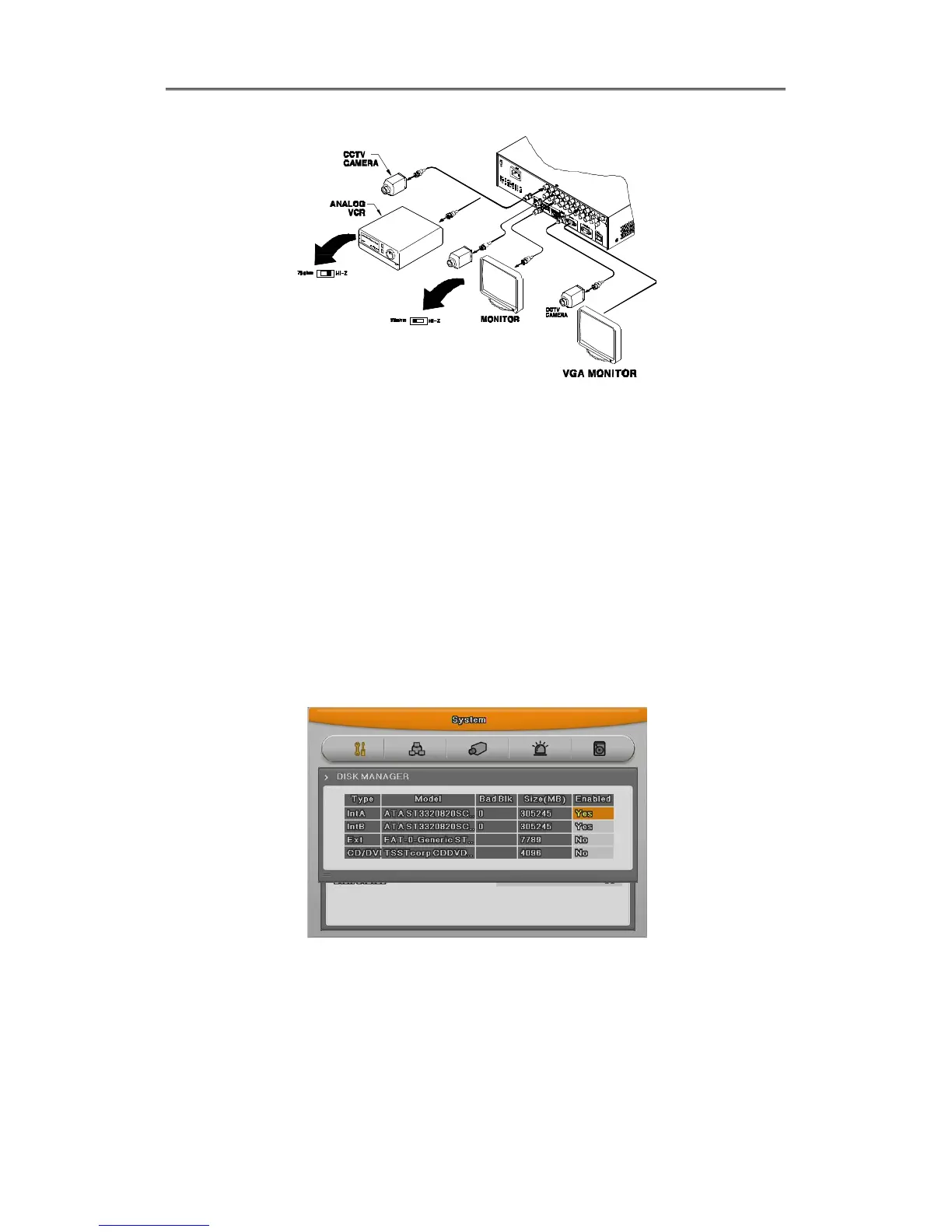
After mounting HDD and booting system, “Disk Manager” will execute automatically.
If not, please, check the connectivity of HDD.
(1) Press [Enter] button in “Disk Manager”
(2) Using [▲/▼] Key, select new HDD(Displayed [No] on Enabled item) and press [Enter]
(3) If you see the message for format, select [Yes].
(4) Press [ESC] and escape from “Disk Manager”



 To Next Page