21
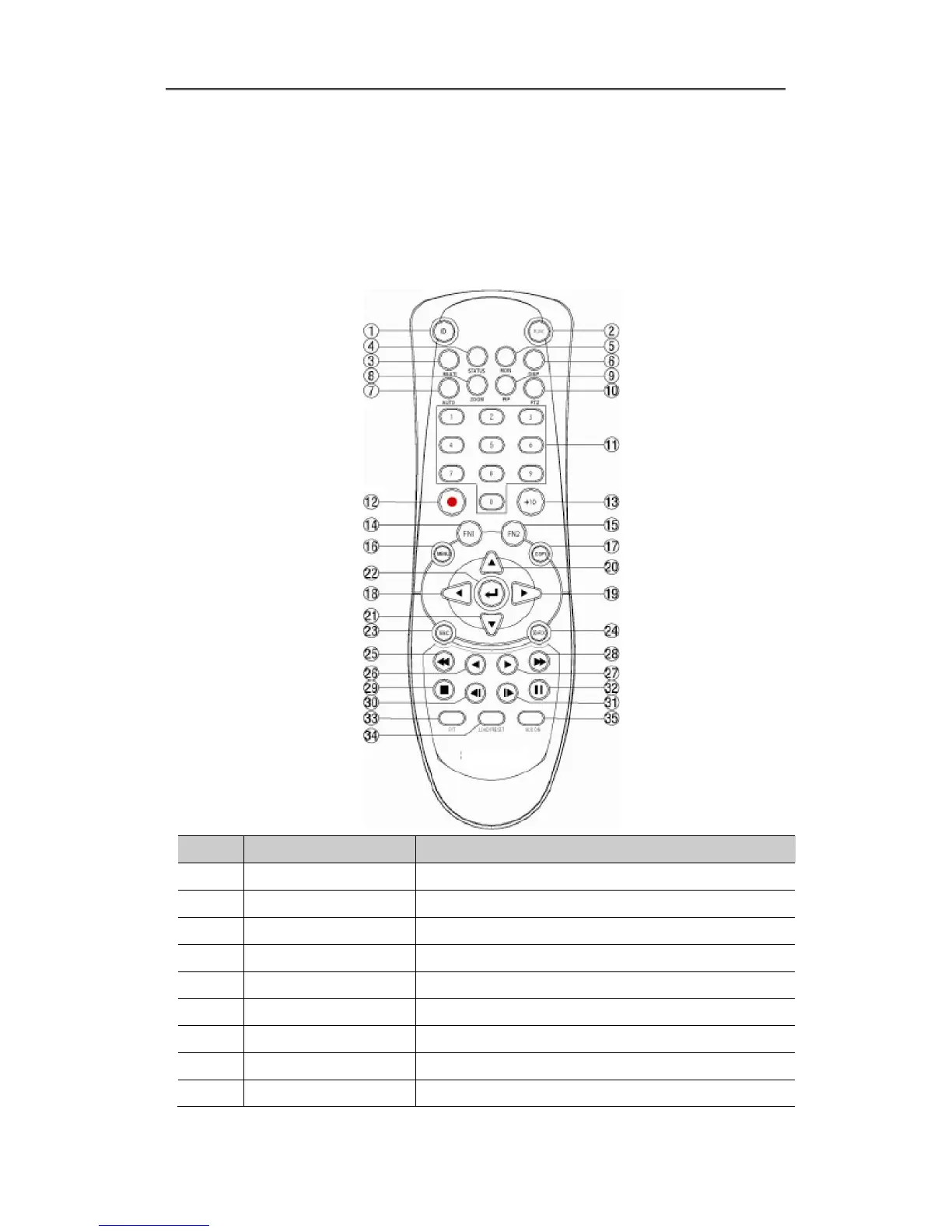
1.2.3. REMOTE CONTROLLER
It is available to use all functions of DVR. If several DVR are set with unique ID numbers,
they can be controlled with one remote controller. To use remote controller, it is necessary
to set ID first which want use. Keep pressing ID button repetedely (Up to Max. 16 times)
and use it matching DVR & ID.
No. Iten Description
1 ID To select Remote Controller ID
2 LOCK Not use
3 COPY To indicate copy menu, copy recorded data to USB
4 BACKUP Not use
5 RELAY ON To manually ON
6 RELAY OFF To manually OFF
7 SEQ Auto sequencing
8 MULTI To change division
9 ZOOM To run digital zoom



 To Next Page