30
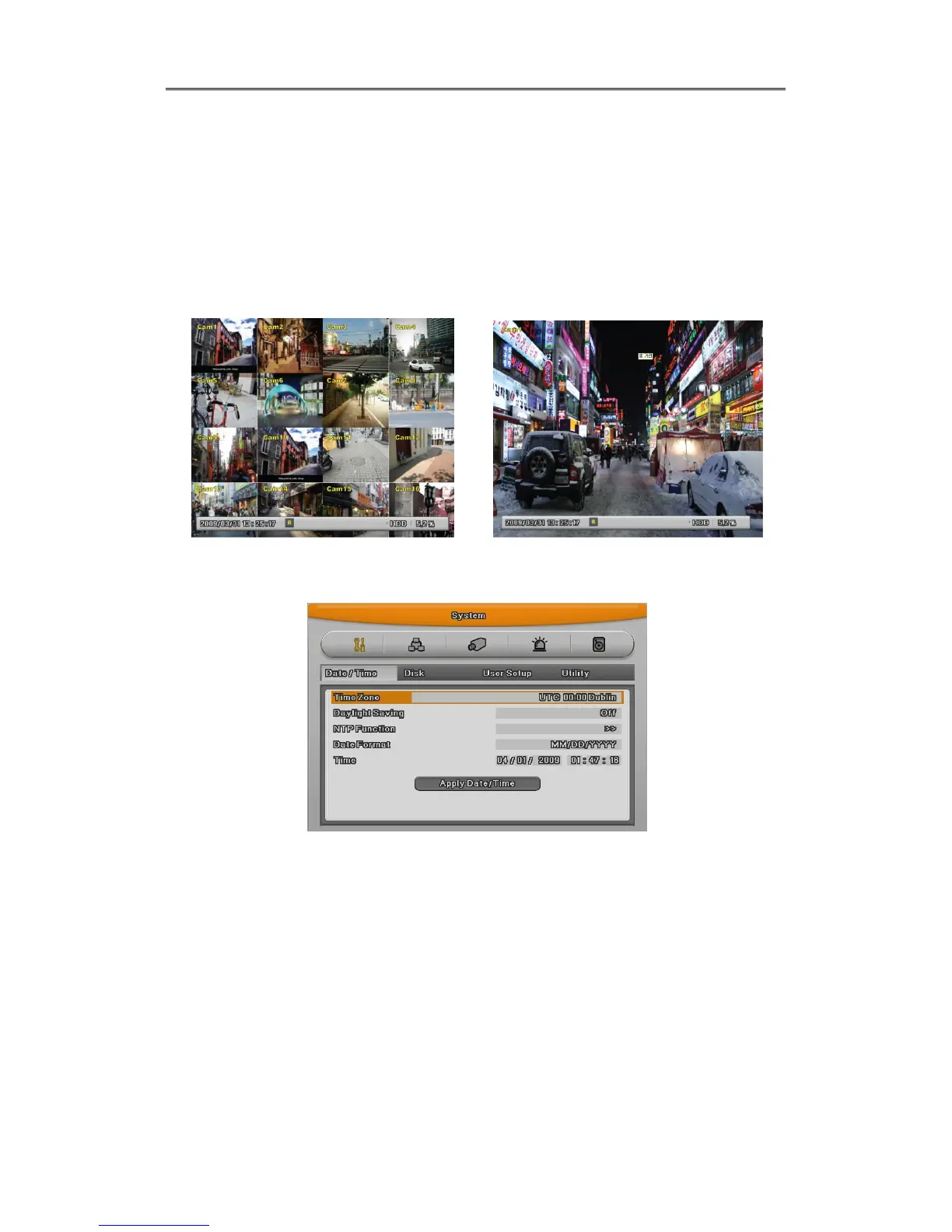
2.2.4.1 Viewing Image
When power is on, eDVR starts automatically and displayed in basic 16ch-split screen after
booting.
<Reference>
If user password is set, a prompt for entering the password will be appeared. Factory
default is reserved as not responding keypad on DVR front (It is not from factory default).
2.2.4.2 Setting Date & Time
- Press [MENU] button and select “ System” when OSD menu is appeared.
- Select“Date/Time”and press [Enter] button.
Time Zome
(1) Select “Time Zone” using [◀/▶] or [▲/▼] arrow button and press [Enter] button.
(2) [◀/▶] Select “Time Zone” using [◀/▶] arrow button and press [ESC] button.
Daylight saving
(1) Summer Time is only activated for Time Zine that uses Daylight savings.
(2) Select “Daylight Saving”using [◀/▶] or [▲/▼] arrow button and press [Enter] button.



 To Next Page