54
4 Monitoring
All analog video image channels connected to eDVR is displayed to screen by Power
connection. It is to utilize all monitoring mode of DVR.
4.1 Basic Screen
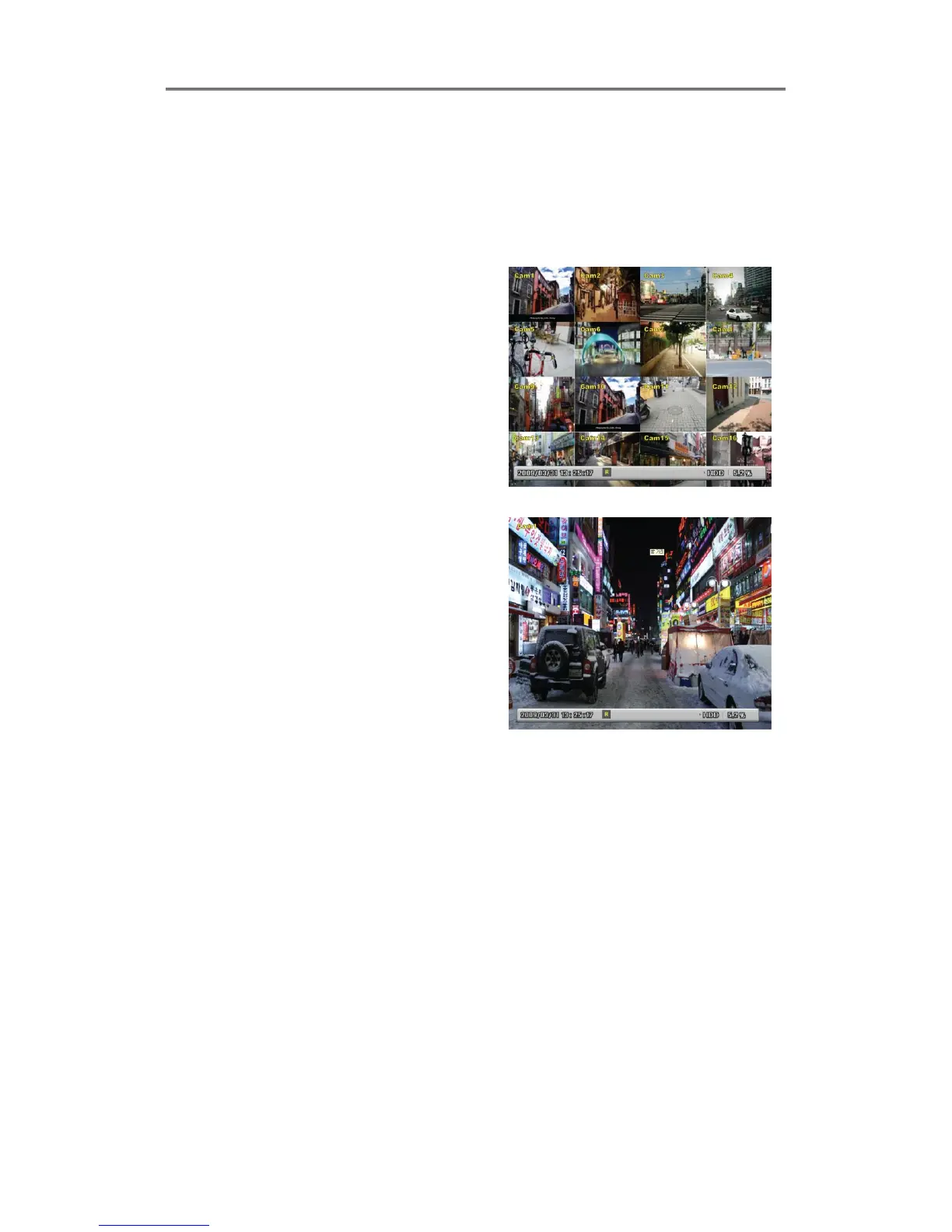
After Power connection, the DVR operates on
automately.
It boots with LED on.
After booting, 16 channel screens are
displayed.(EH1600L, LH1600C : 16screens,
EH800M,LH800L:9screens, EH400H: 4screens)
※ If there is user password set, Password input
window will be displayed.
4.2 Single Fll Screen Mode
Press the channel number wanted or click
mouse button.
Press [MULTI] button to return to divisional
screen.
4.3 Multi Screen Mode
Press [MULTI] for multi channel display or click
“Display” icon from Function menu.
Press [MULTI] button every time, screen mode for EH1600L, LH1600C is changed to 1~4,
5~8, 9~12, 13~16, 4C, 1~9, 8~16, 1~10, 16 screens, and for EH800M, LH800L is 1~4, 5~8,
4C, 9screens, and for EH400H is 1~4screens.
4A, 4B, 4C, 4E, 9A, 9B, 10A, 16 channel division. (MD800E : 4E, MD400E : not supported).



 To Next Page