58
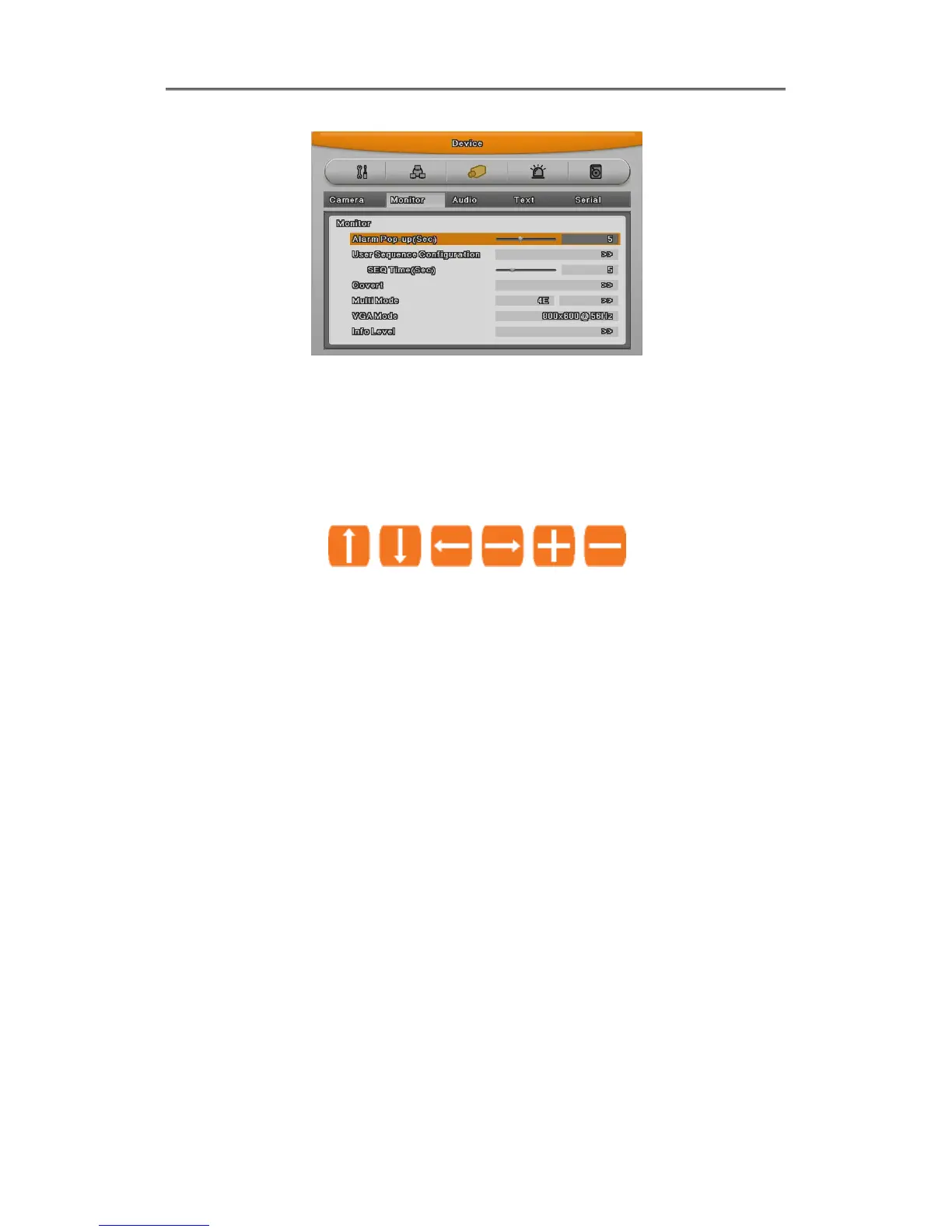
1. If Alarm Pop-up Hold (sec) set to Off, Alarm Pop-up will not operate.
2. If Alarm Pop-up Hold (sec) set to Keep, it does not return to previous screen before press any
button
4.7 Zoom Screen Mode
- From single full screen mode, press [FUNC] and D-Zoom button then select + button to
activate zooming the image.
- Default zoom screen locates to main center when press [ZOOM] button. Zoom image can
shift left-right in 18 steps and top-buttom in 12 steps.
- Use directonal key button to screen move.
- Press [-] one more to return to original screen.
4.8 Pause Live Screen
- Live screen can pause like PlayBack.
- Press [PAUSE] to pause live screen and press [PAUSE] to return live screen.



 To Next Page