107
Reference
Supported PTZ camera list can be refereed to ‘4.8 PTZ manipulation.
7.5.9 Using Audio
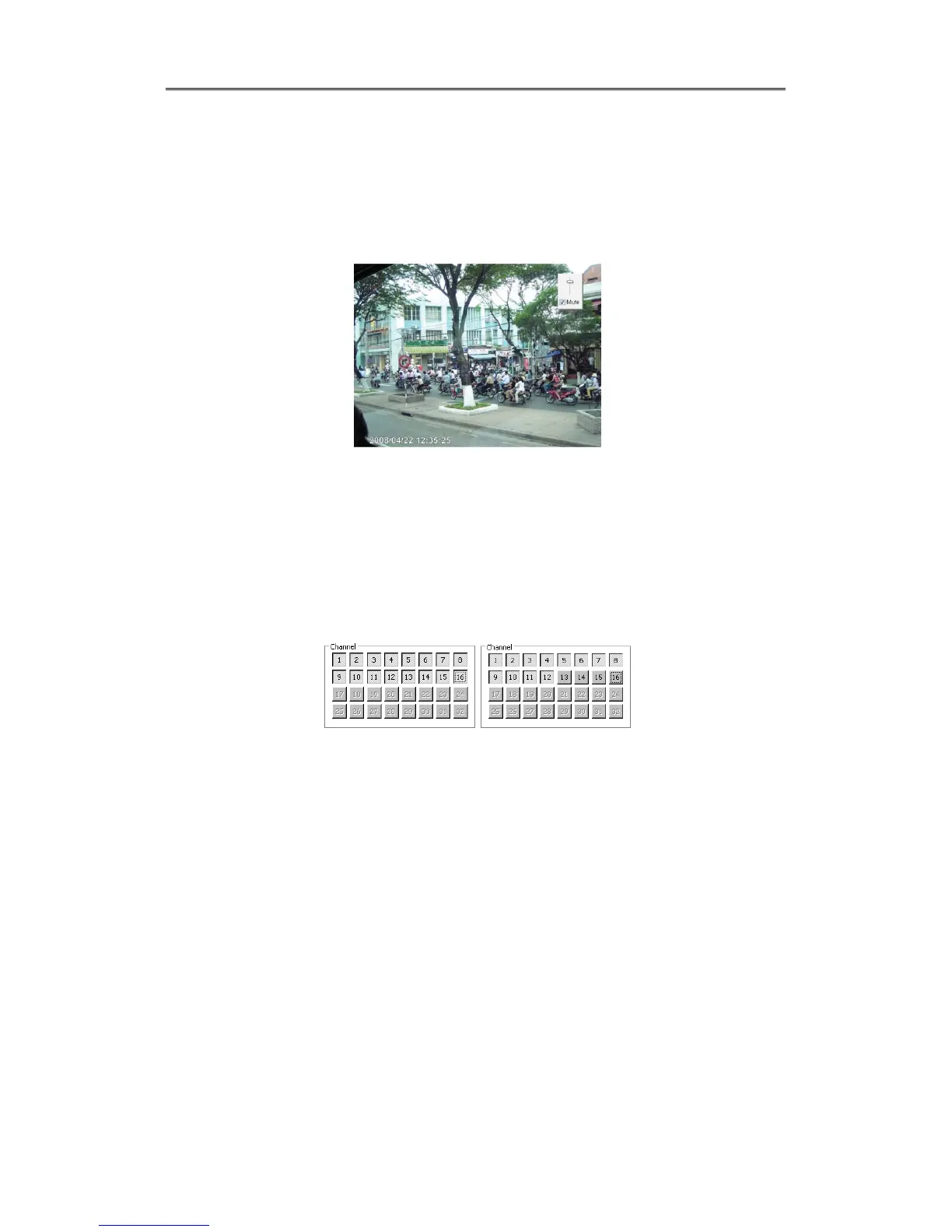
In case of Channel setup sync with Audio, press right mouse button on the image to activate
pop-up menu to “Listen” or activate Audio listen button. First default is Mute. In case of listening
Audio, select pop-up menu or button. After cancelling mute, control audio volume. It can mix
several channels of audio
7.5.10 Closing Video Channel
Cancel for disconnection of image monitoring by click ‘Close’ at top right on screen, then it
comes to black screen.
To reconnect the channel disconnected, it can reconnect relevant channel using ‘Channel
On/Off’ menu.
.



 To Next Page