37
2.3.3.3 Connecting serial port
Configuring serial ports for Pan/Tilt/Zoom
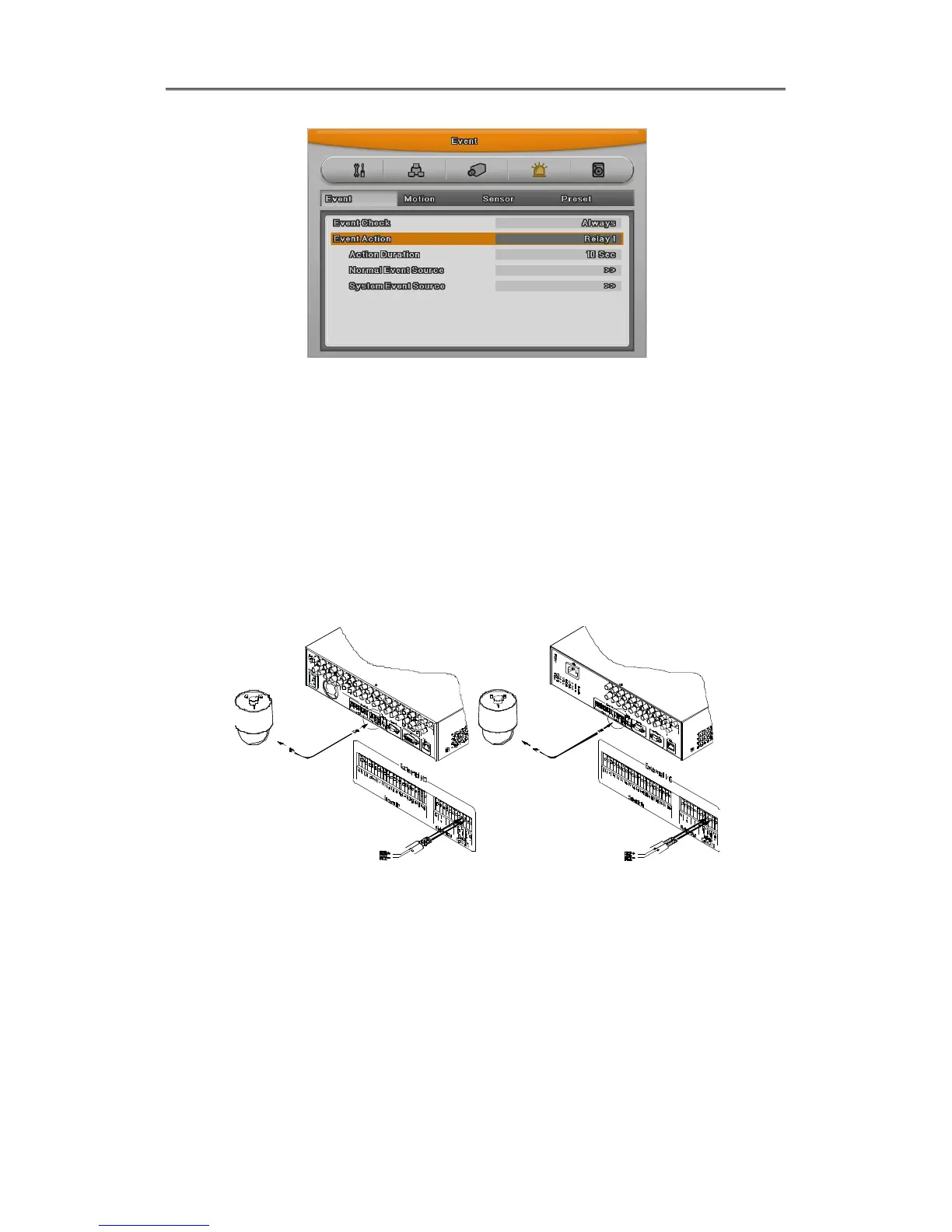
If DVR supports thru. COM port, it is available to connect PTZ camera and control it. For a list of
supported protocols, please refer to the list on the OSD configuration menu. The following figure
shows how to connect PTZ camera to RS485 (COM2/COM3). When using another serial port,
connect it with referring to each connection diagram below.
Please refer the “Wire Handling”.
[EH Series] [LH Series]
Serial communication port diagram



 To Next Page