86
of a data. The reason of 2 Header is to detect maximum 2 data out because each device can
output various datas.
Delimiter
Delimiter value can be different according to the manufacturer, please, refer to the product
manual or seller.
Time out
Following lines defined here means maximum number of text line from one data. Even if there is
standized data, there can be a short and long data. For example, there are 3 lines to write
names on ATM. But some may need only First name & Last name to register. Which it means
requires only 1 shorter than other ATM users. It is to decide the last line of the one data
register as final complete data to save after an hour’s consideration of register later because
eDVR can not recognize it automatically.
Lines
Define how many lines will be shown.
Caution : external device can not be recognized, please, ask to the seller.
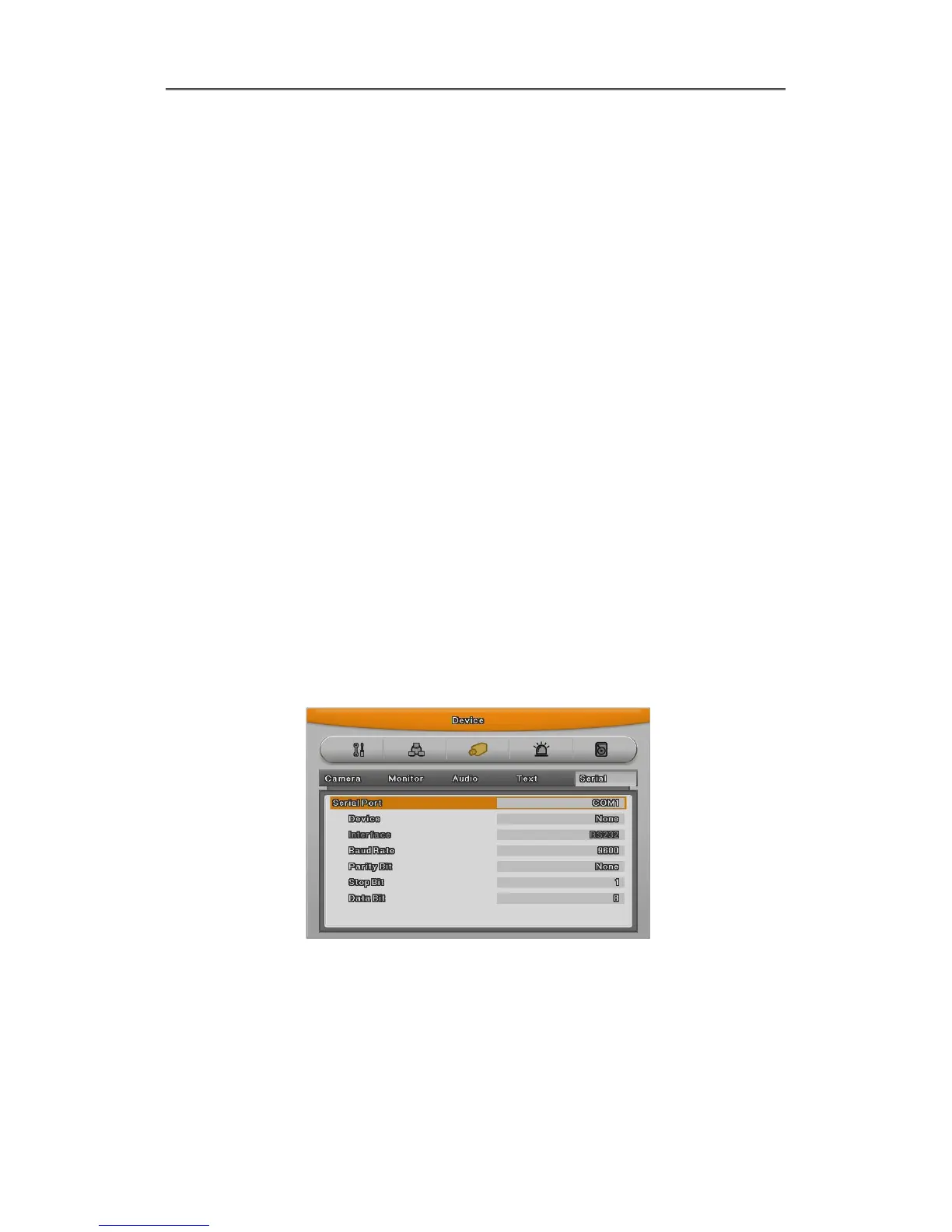
6.4.5 Serial Setup
DVR has 3 serial port. One is RS-232 and the other 2 ports are RS-485.
Serial Port
Select Serial port.
Device
Select the connected device.



 To Next Page