83
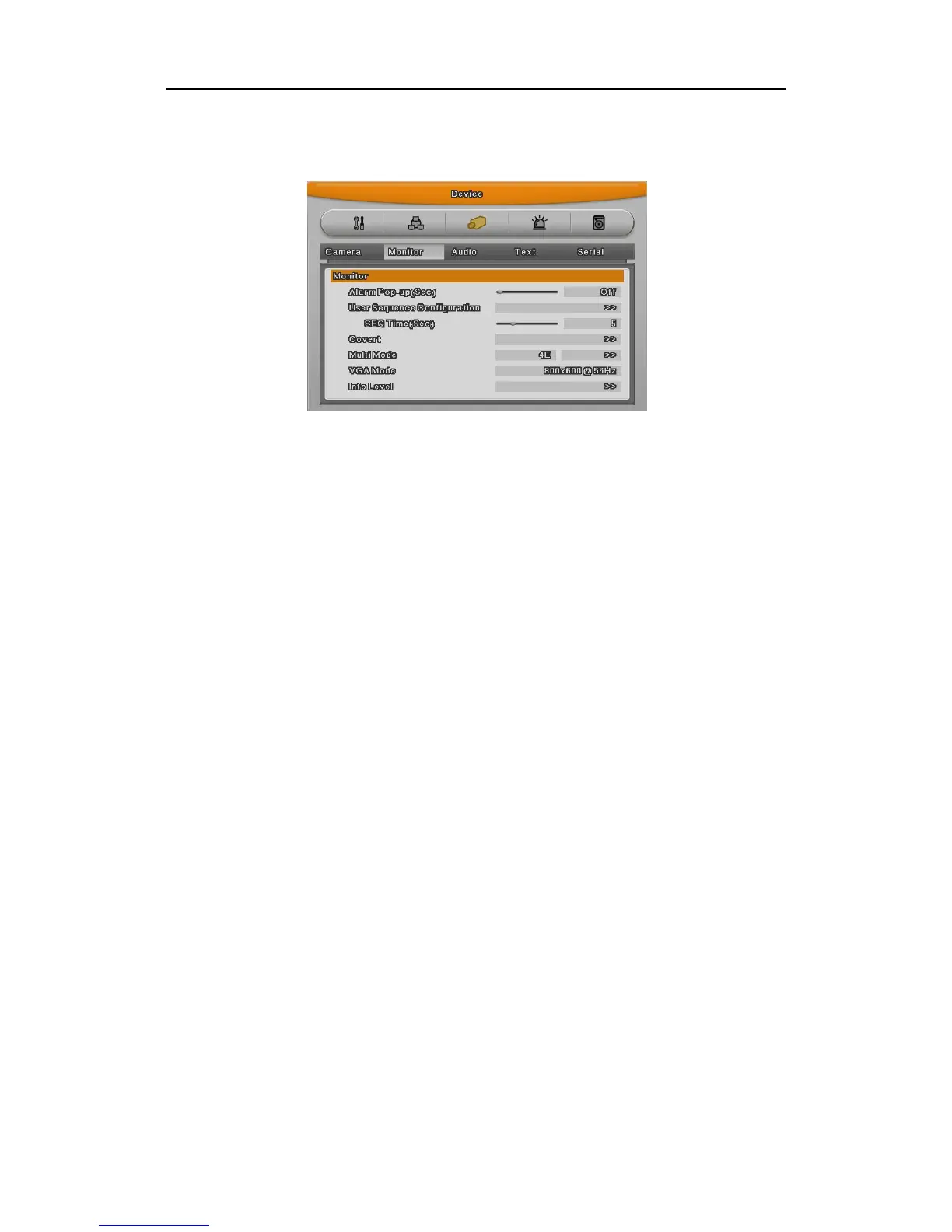
6.4.2 Monitor Setup
Main monitor provides all function which DVR supports and with spot monitor can use single
channel conversion.
Covert channel
With Covert menu, user can covert the channel in Live/Playback mode
In Covert menu, all channel list will be shown and press [Enter] buttion and click mouse to tick
the channel. Checked channel will not show the video in Live/Playback.
User sequence configuration
User sequence can be edited. There are 16 user sequence mode and its interval is from 1 to
60seconds.
Multi mode
EH1600L, LH1600C have predefined screen modes. 4E(4channels), 9B(basic 7 channels and
additional 2 channels),10A(10 channels). In case of EH800M, LH800L, it can use only
4E(4channels) and EH400H doesn’t provide multi mode.
The way to composing
The way to conpose screen is selecting the target and after selecting right window and press
[Enter] button or use mouse. If channel selection is down, press [ESC] button or click mouse
light button.
DVI Resolution
There are nine resolutions – EH Series : 800x600@56Hz, 1024 x 768@60Hz, 1280 x
720@50Hz,1280 x 720@60Hz, 1920 x 1080p60, 1920 x 1080i50, 1920 x 1080i60, 1920 x
1080RB, LH Series : 800x600@56Hz, 1024x768@60Hz, 1280x1024@60Hz



 To Next Page