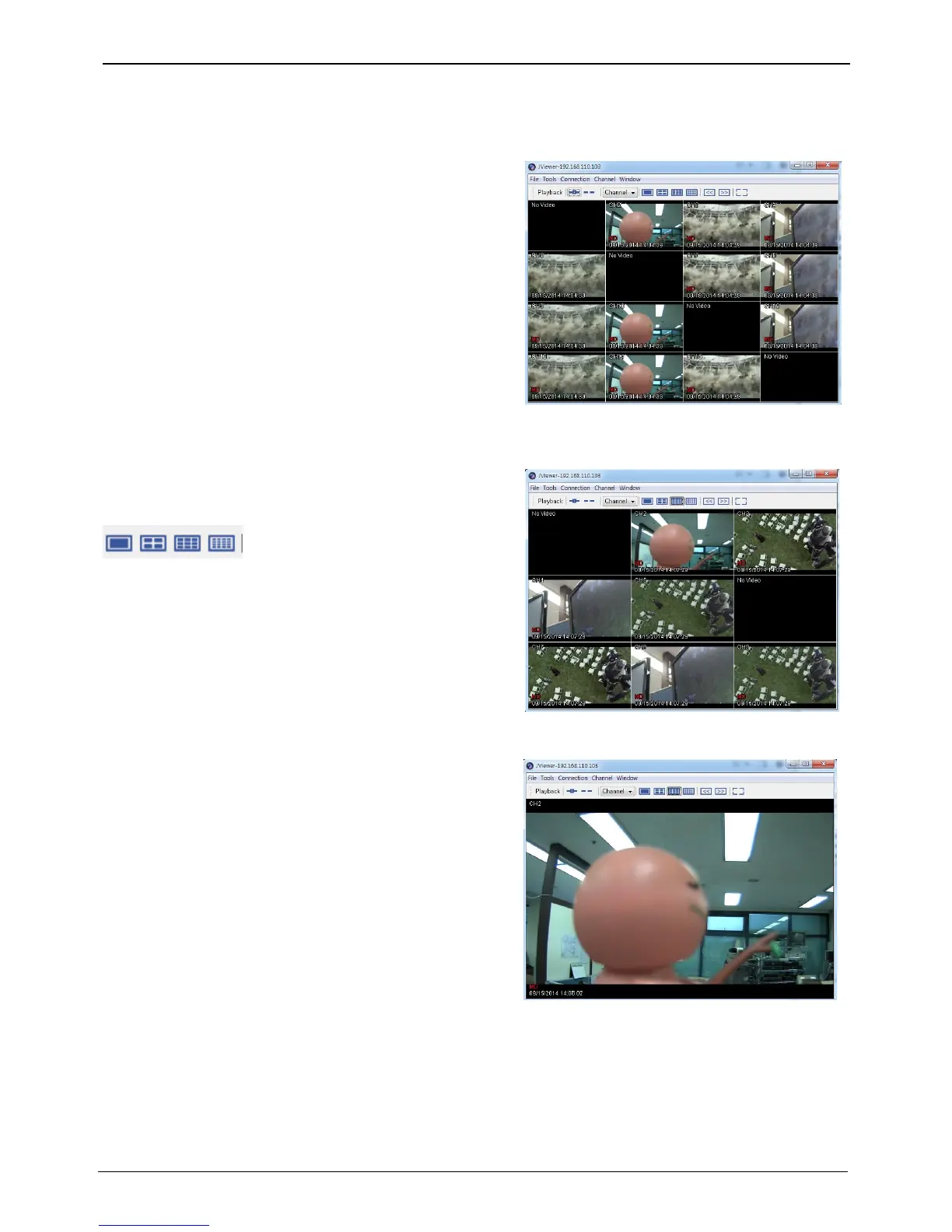
When it is authorized with User ID & Password input at
Login page, it moves to monitor page. At Monitor page,
monitor real time image of cameras connected to DVR, or it
can control PTZ camera, Relay, and use Microphone function
according to user’s authorization.
Screen division and changing video position
The first monitor page will display the maximum screens of
the connected model.
It can to change to 1, 4, 9, 16 divisions by clicking the
number on top of page.
Double click mouse on the channel wish to make single
channel.
To back to multi screen, please double click again.
Click [ ] to swith screen into full screen mode. Click on [F11] key to back to normal screen mode.



 To Next Page