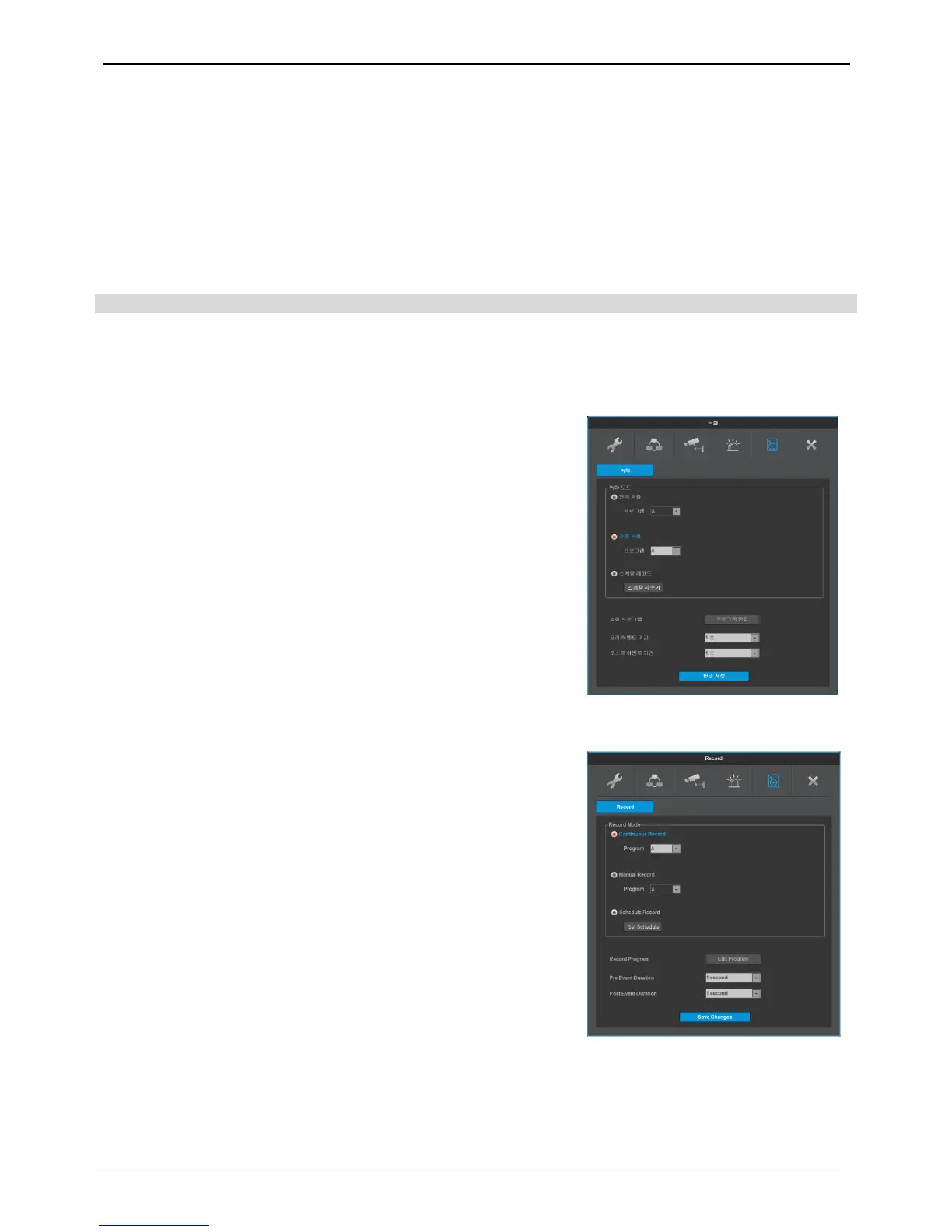
Recording set up
There are 4 modes for recording – schedule recording, manual recording, Continuous Recording, and Event
Recording. Schedule Recording records automatically in accordance with the configured schedule and Manual
Recording records via pushing FUNC [TOOLS – MANUAL RECORDING] button.
Continuous Recording records continuously upon initial system boot up. Event Recording records when an
event occurs
Recording
Users can select the recording mode from manual, continuous, or schedule recording.
And their resolution, frame rate, quality will be in accordance with the program Before recording set up, check
the frame rate, video quality of a program per channel.
Manual recording
Manual record can be made only when record mode is set as manual
record.
Manual record start when user click on [TOOLS – MANUAL
RECORDING] ini FUNC menu after record mode is set as manual
record and to end record, please click on MANUAL RECORDING
button again.
Recording mode must be set at continuous recording and preset
program will begin recording once booting is complete.



 To Next Page