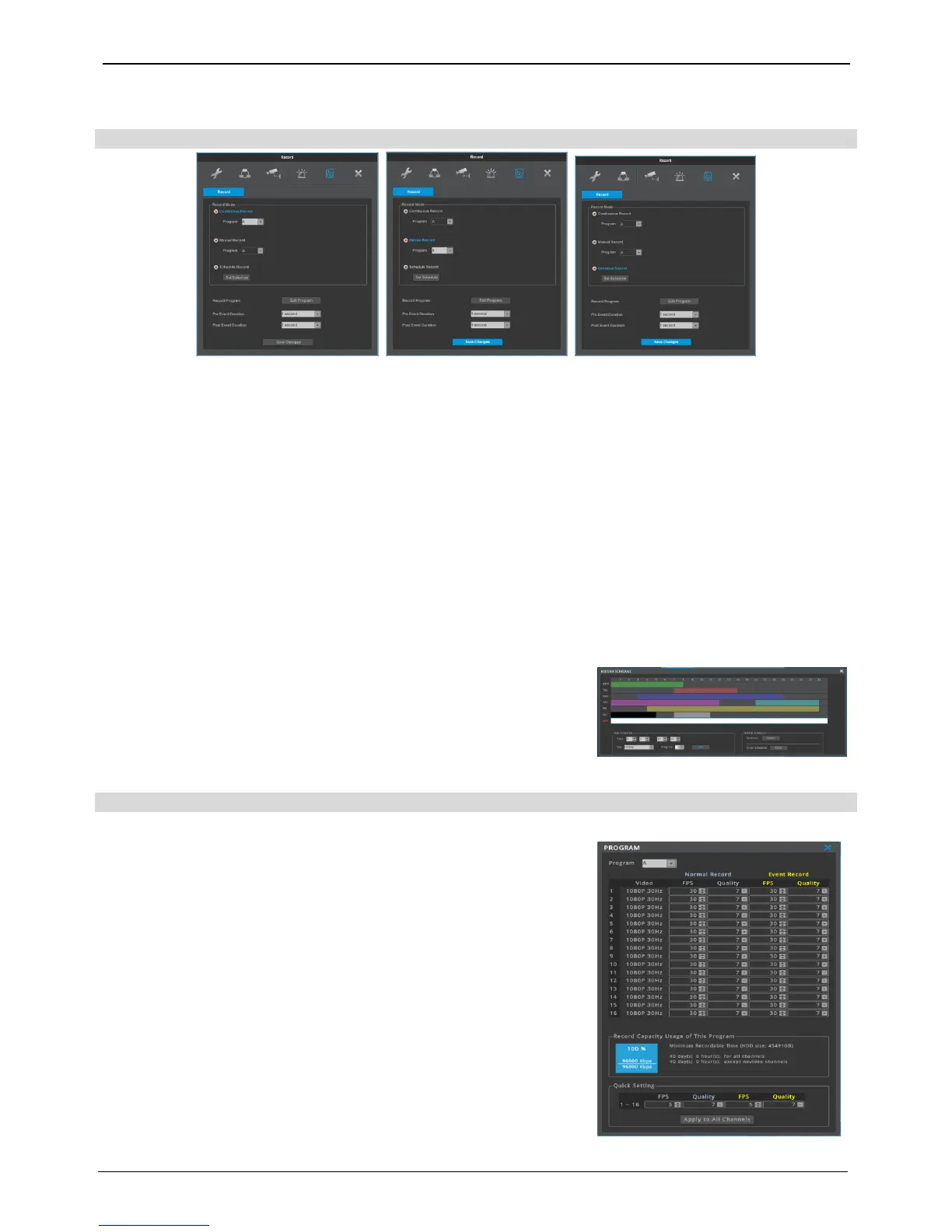
Recording configuration
[continuous recording] [manual recording] [schedule recording]
Continuous recording
Continous recording will automatically begin after the booting is completed and continous/event recording will
begin according to the chosen program values.
Manual recording
Push FUNC [TOOLS – MANUAL RECORDING] on the front to begin/end manual recording and manual/event
recording will begin according to the chosen program values.
<reference>
If manual recording is chosen, exit menu and check the manual record indicator on the status bar to confirm recording.
If there is no manaul recording indicator sign, press FUNC [TOOLS – MANUAL RECORDING] on the front to begin
recording.
schedule recording
Schedule recording will begin according to a pre-set day/time
schedule.
Set day/time on “ schedule setting” under the schedule recording mode.
Input camera resolution can be checked in “Program” of record setup.
User can select program A ~ I to make individual setting on record
frame and record quality per program.
<Reference>
How to check if it’s recording : If set correctly and is recording, “REC LED”
indicator on the front will be flickering. Also, status bar’s save indicator
will show [SCHEDULE], [MANUAL], or [continuous] indicating that all
channels are recording. “REC LED” is turned off when it isn’t recording.
menu recording recording
Menu recording program



 To Next Page