Installation
Check settings
This DVR is high quality security device with a high capacity built-in HDD and important curcuits. Before
installation, please read carefully below recommendations as high internal temperature of the product can lead
to damages and shorten product life cycle.
Recommendations on installing a DVR in a rack.
1. Don’t seal the inside of rack where DVR is installed.
2. Keep airflow through inlet and outlet.
3. If there is another device installed in the rack, secure additional space or install air ventilation.
4. Installation of an air circulation fan around each inlet and outlet is strongly recommended.
(Install filter around inlet or outlet for harmful substances)
5. Keep ambient temperature between 5°C~45°C around DVR.
Warnings if HDD is installed
1. Please be extra careful not to damage HDD as it easily breaks.
2. During installation, make sure insulated coat doesn’t come off or isn’t placed in the worng place.
3. Don’t lose screws and parts.
(If screws an parts are not screwed or assembled correctly, product may not operate)
4. Check HDD compatibility list HDD
(Please check with CS team)
5. Partition table must be removed for HDDs used in PC or other DVR models before installation.
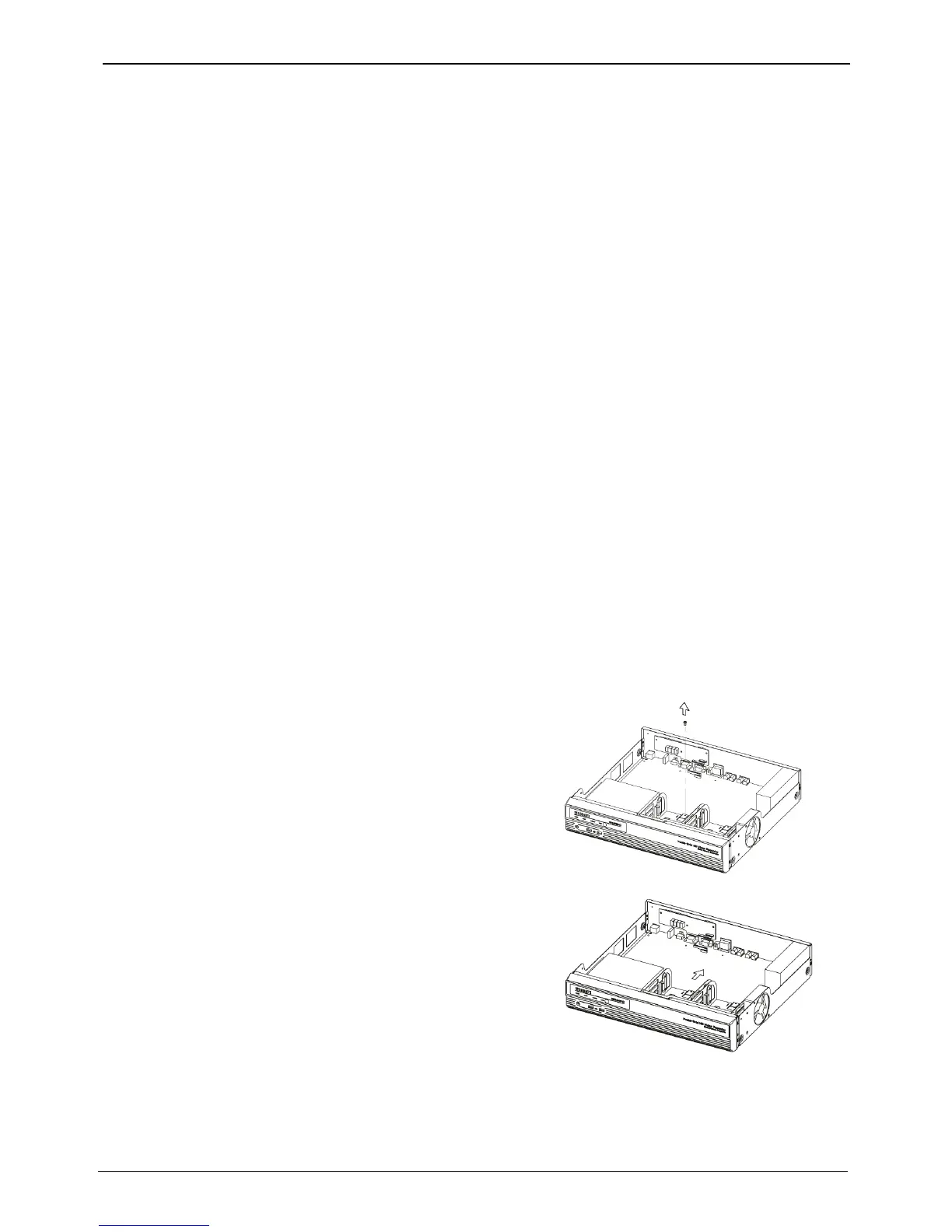
HDD installation
HS1600F-D



 To Next Page