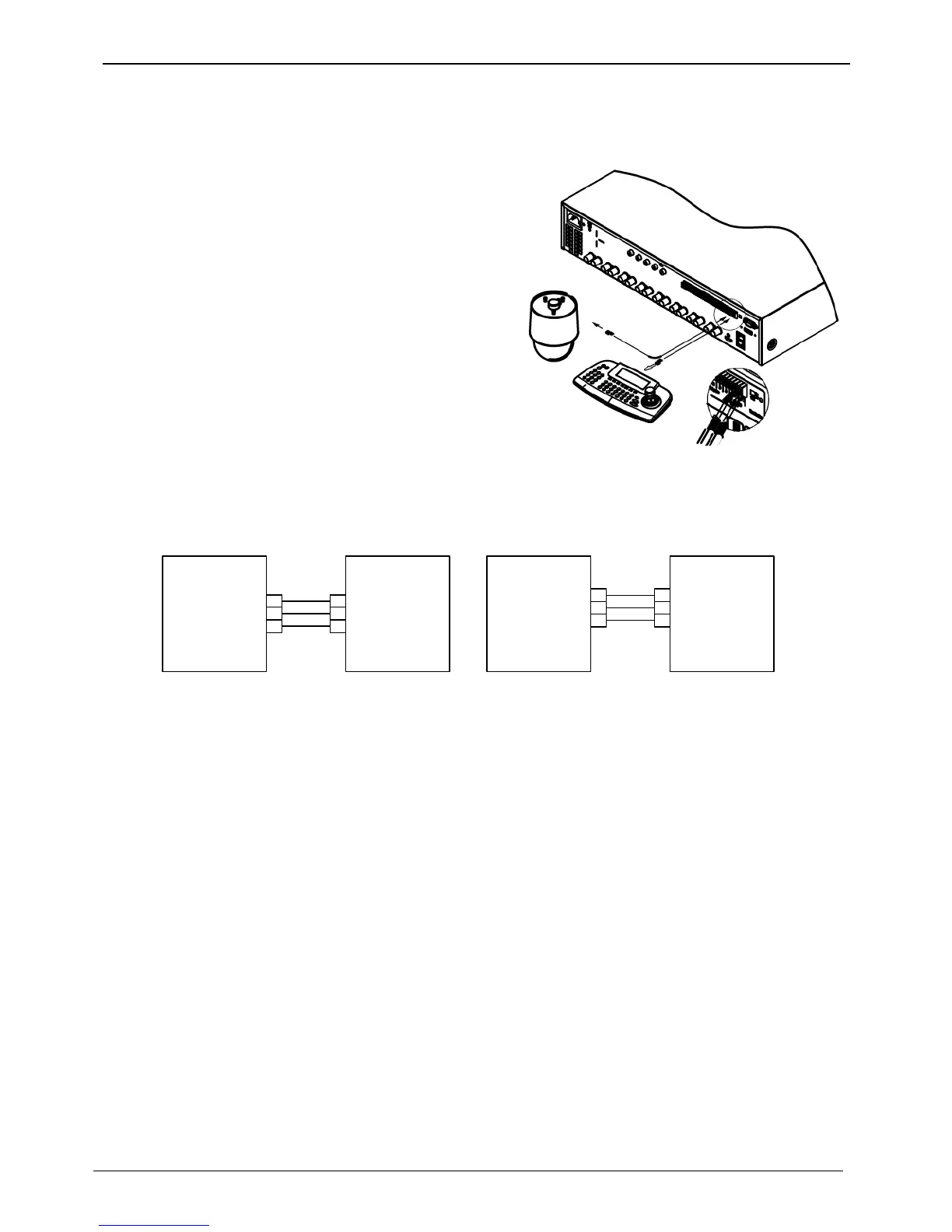
Connecting COM2/COM3 serial port external device
Connecting serial communication terminal for PTZ device & Keyboard device
Control PTZ devices and Keyboard devices by connecting
them to DVR’s COM ports. Picture in the right shows how
a camera and a keyboard device with PTZ function are
connected to RS-232 COM1 & RS-485 COM2 respectively.
Other serial communication terminals will be connected to
other devices as shown in the below picture.
To connect or remove a wire, please refer to the “wire end
handling” and supported models can be checked on
“compatible PTZ & Keyboard device” on the supplement
booklet.



 To Next Page