37
Operaon Panel Seng
6.3.5. The Common Used Parameter Seng in Prinng
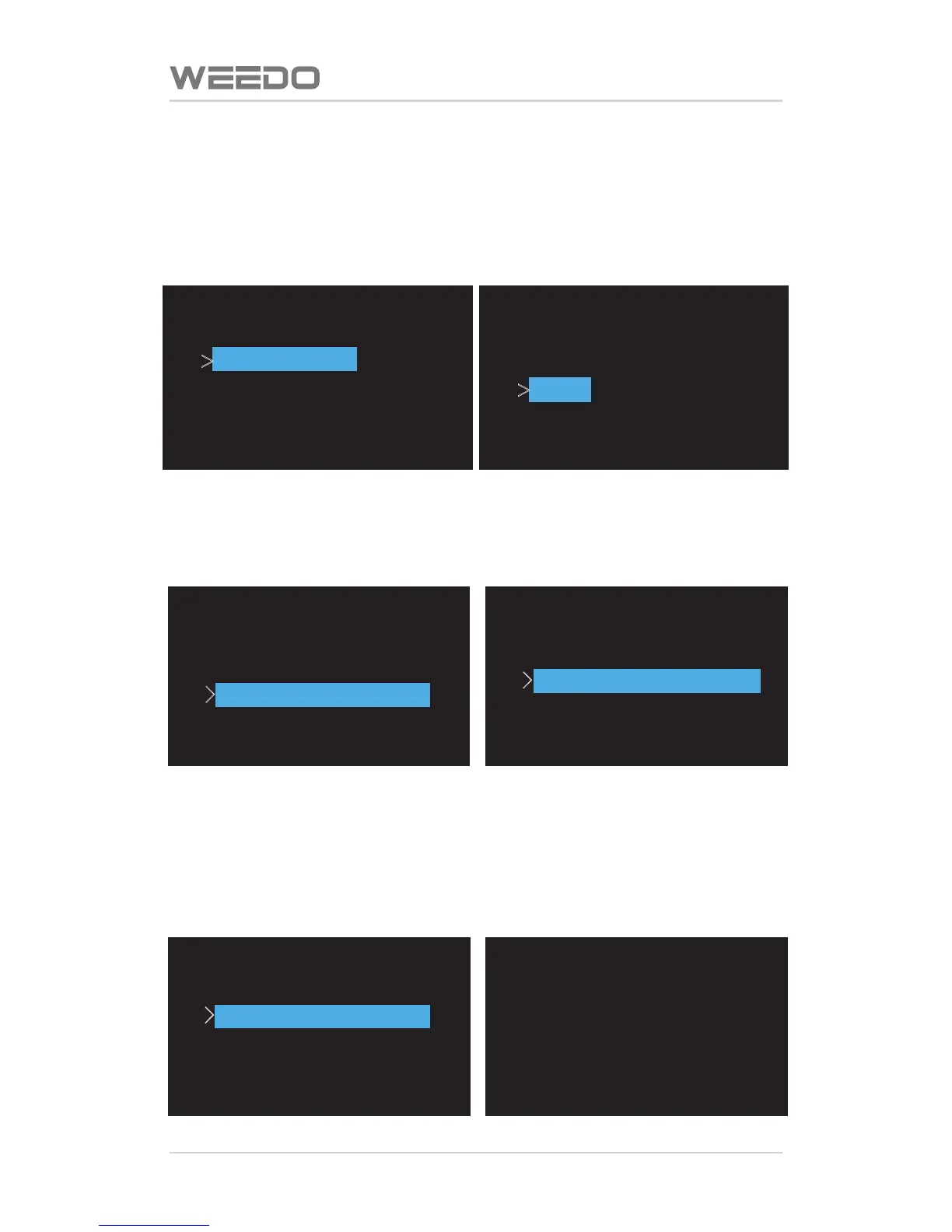
Cancel Prinng/Pause Prinng
Press the le buon of operaon board, it would pop up opon menu, turn
down, and choose “Cancel Prinng” or “Pause”.
Start/Close Fan at Le Side of Nozzle
Press the le buon of operaon board, it would pop up opon menu, turn
down, and choose “Start Fan” or “Close Fan”.
Modificaon of Prinng Nozzle Temperature
Press the le buon of operaon board, it would pop up opon menu, turn
down, and choose “Temperature Reset”, and enter to prinng nozzle
temperature reset interface, press up and down buons to adjust
temperature, press le buon to return to the prinng interface.
Change Speed
>
Change Temperature
Set Cooling Fan ON
Print Statistics
Extruder :020C
Change Temperature
040C
Up/Dn/Left/M to Set
Change Speed
Change Temperature
>
Set Cooling Fan ON
Print Statistics



 To Next Page