42
Daily Repair and Maintenance
7.1.4. Prinng Plaorm Regular Check and Leveling
It is very important to perform the regular check and leveling on the prinng
plaorm, and the level of prinng plaorm would play severe impact the
model’s molding.
Leveling Method:
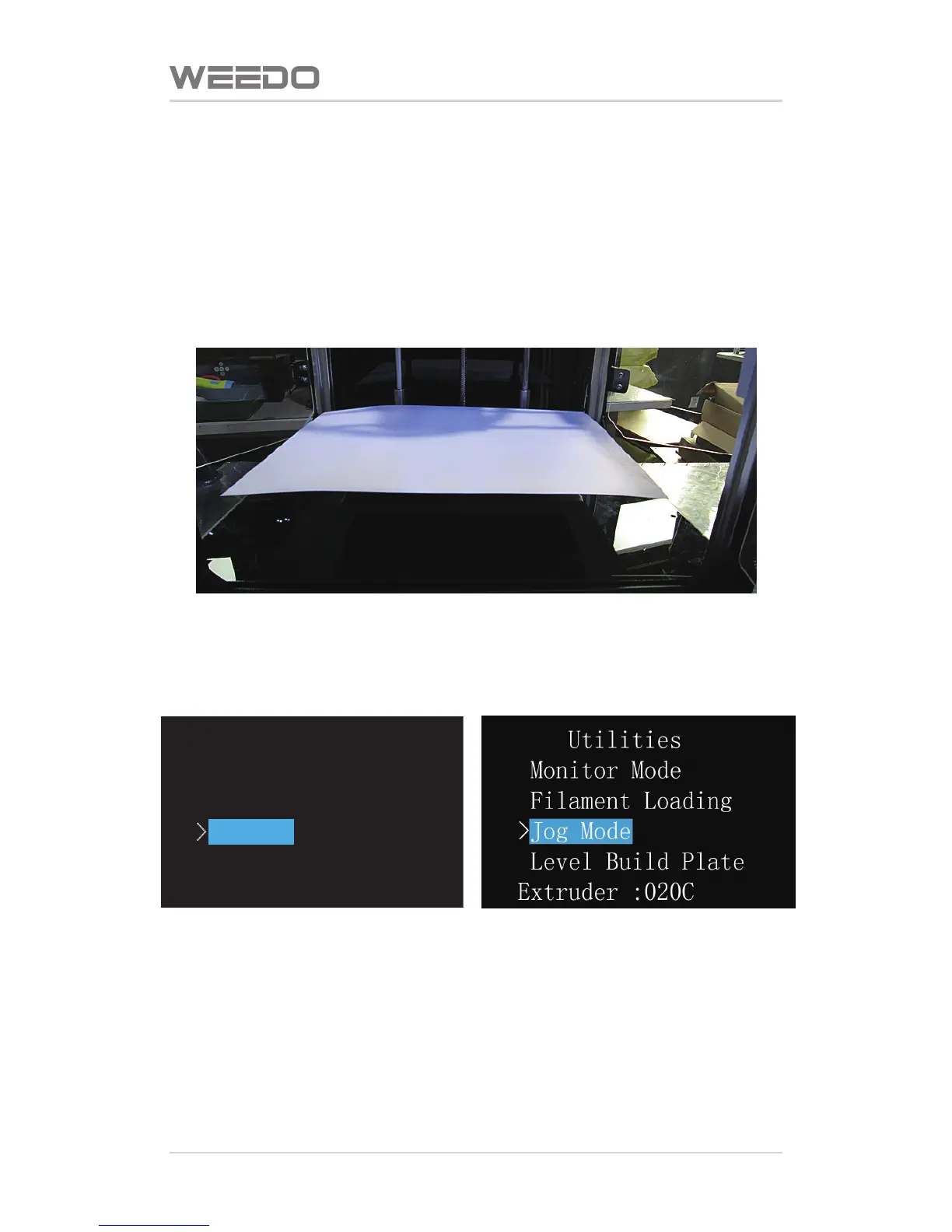
Please place a piece of white A4 paper on the prinng plaorm.
In operaon panel, choose “Printer Funcon Debugging” to enter next menu,
choose “Plaorm Leveling”.
At this moment, printer would enter to the interface like below, meanwhile,
printer nozzle moves to the fixed point, starts to adjust one nut at the front of
boom of plaorm, and adjust the gap between plaorms and nozzle unl the
A4 paper can just slide between plaorm and nozzle. Well control the gap,
neither too loose nor too ght. Aer well adjusted, press buon “OK”, to enter
next step.
WEEDO M2
Print from SD
>
Preheat
Utilities
Setting&Info



 To Next Page