WF-255MST
© Weldclass 2019 | E.&O.E. | Edition 2.2 19
4.4 Trigger Mode Selection
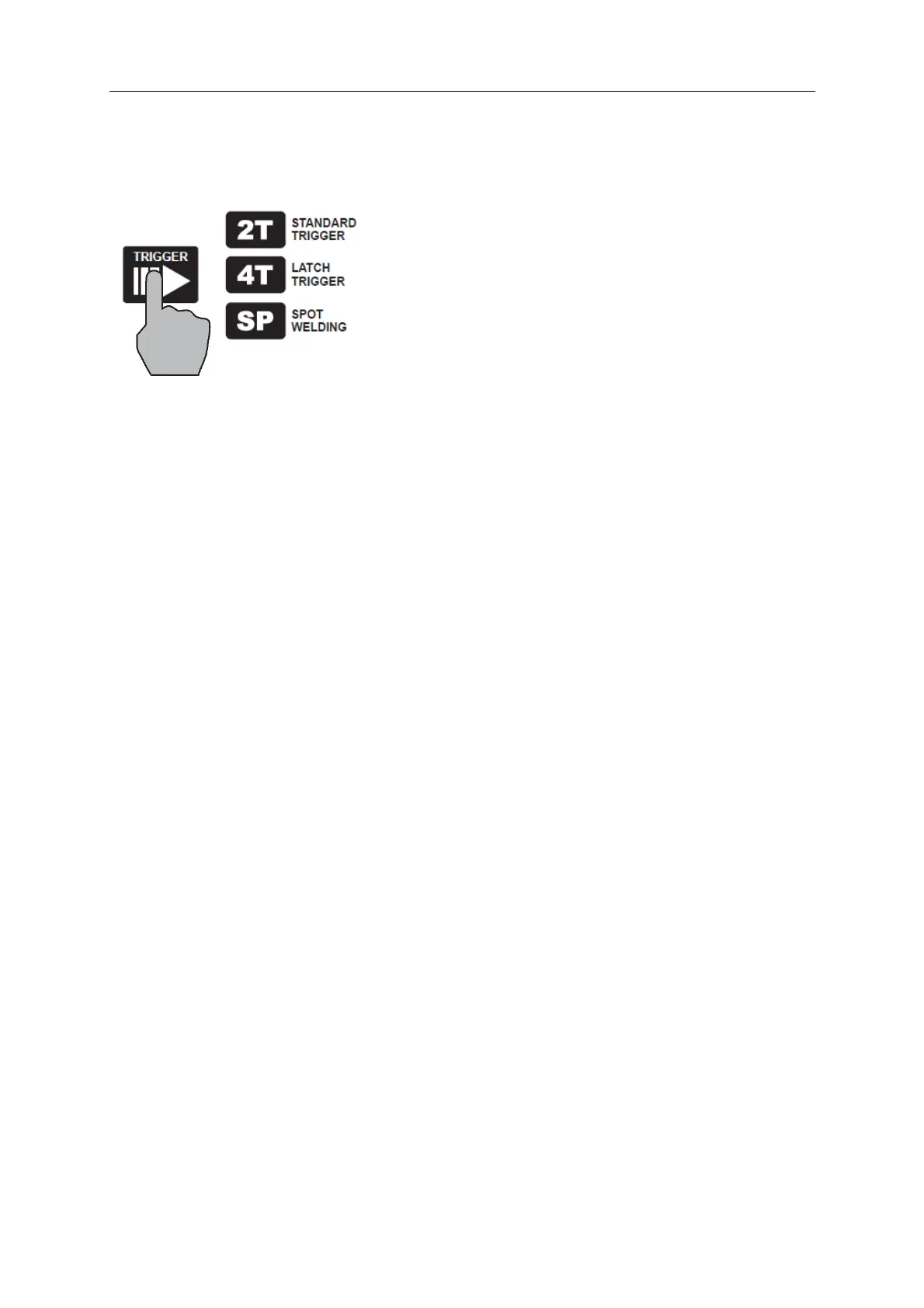
1. Press ‘Trigger’ button (34) until the desired Trigger Mode Light is lit
Figure 10
4.4.1 2T (Standard Trigger)
2T is available for MIG & TIG processes.
2T stands for Two Touch or ‘Standard Trigger’ mode. In this mode the trigger is pulled and held on to
start welding, when the trigger is released, the welding stops.
4.4.2 4T (Latch Trigger)
4T is available for MIG & TIG processes.
4T stands for Four Touch or ‘Latching’ mode. The trigger is pulled once and released to welding and then
pulled and released again to stop the welding. This function is useful for longer welds as the trigger is
not required to be held on continuously and thus reduced operator fatigue.
4.4.3 SP (Spot/Stitch)
SP is only available for MIG process.
Spot Welding trigger mode is used for Spot, Tacking or Stitch welding. It allows you to set fixed times for
welding time and interval between welding and automatically repeats this process until the trigger is
released.


 To Next Page