WIFI
(This function is available only if an in.touch module is connected to your system.)
WIFI SETTINGS
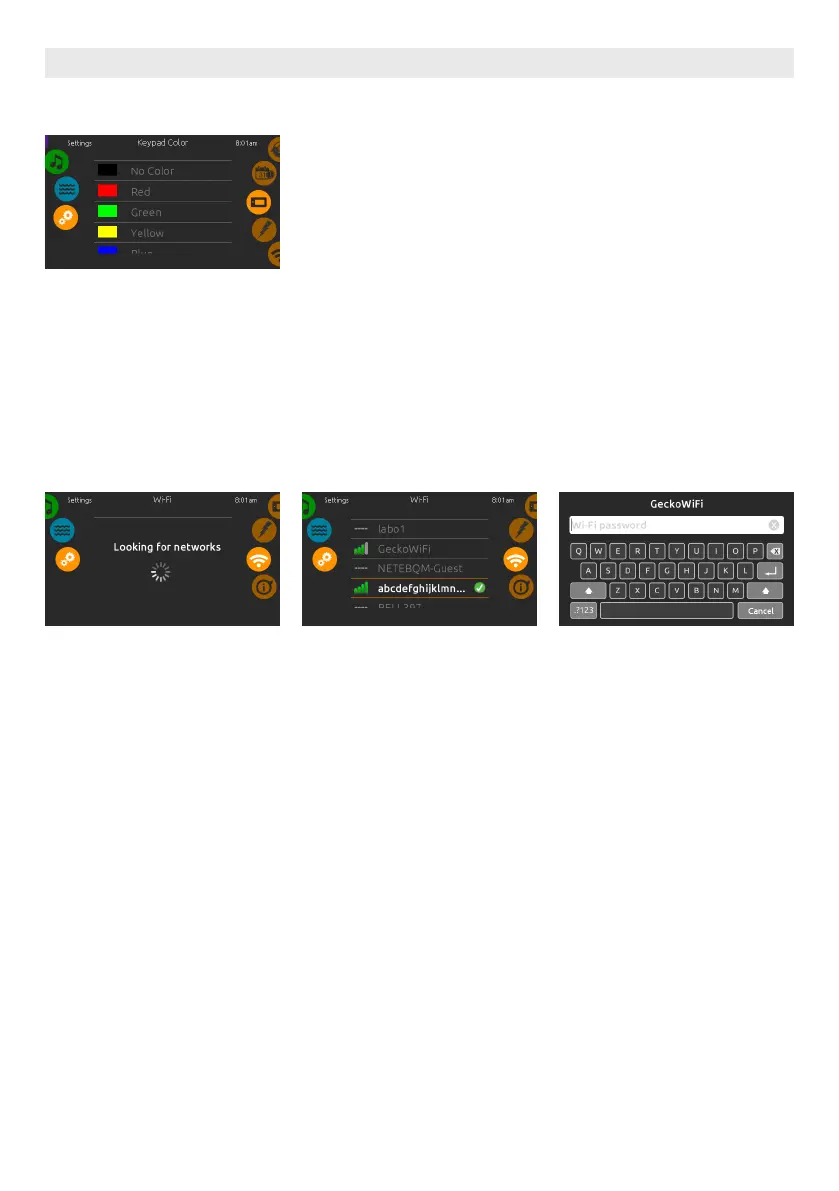
To modify wifi network settings, slide
the right wheel until the wifi icon is
highlighted in the middle.
WIFI NETWORKS
After a few seconds the available net-
works will appear on the screen, as well
as their signal strength.
Selected network will be identified by a
green check mark.
Swipe Up or Down the list to select your
network.
WIFI NETWORK PASSWORD
If the wifi network is password protect-
ed, enter it when keyboard prompts.
Use Enter key to validate the password.
If no password is required the in.touch
will connect automatically.
USER INTERFACE SMART TOUCH
KEYPAD COLOR OPTIONAL
If this option is available (depending on
the spa configuration), the keypad rim
color can be changed. 8 pre-defined
colors are available. If the in.mix is
installed, the keypad rim color can also
be associated to an in.mix zone.
33





 To Next Page