SPA SETTINGS
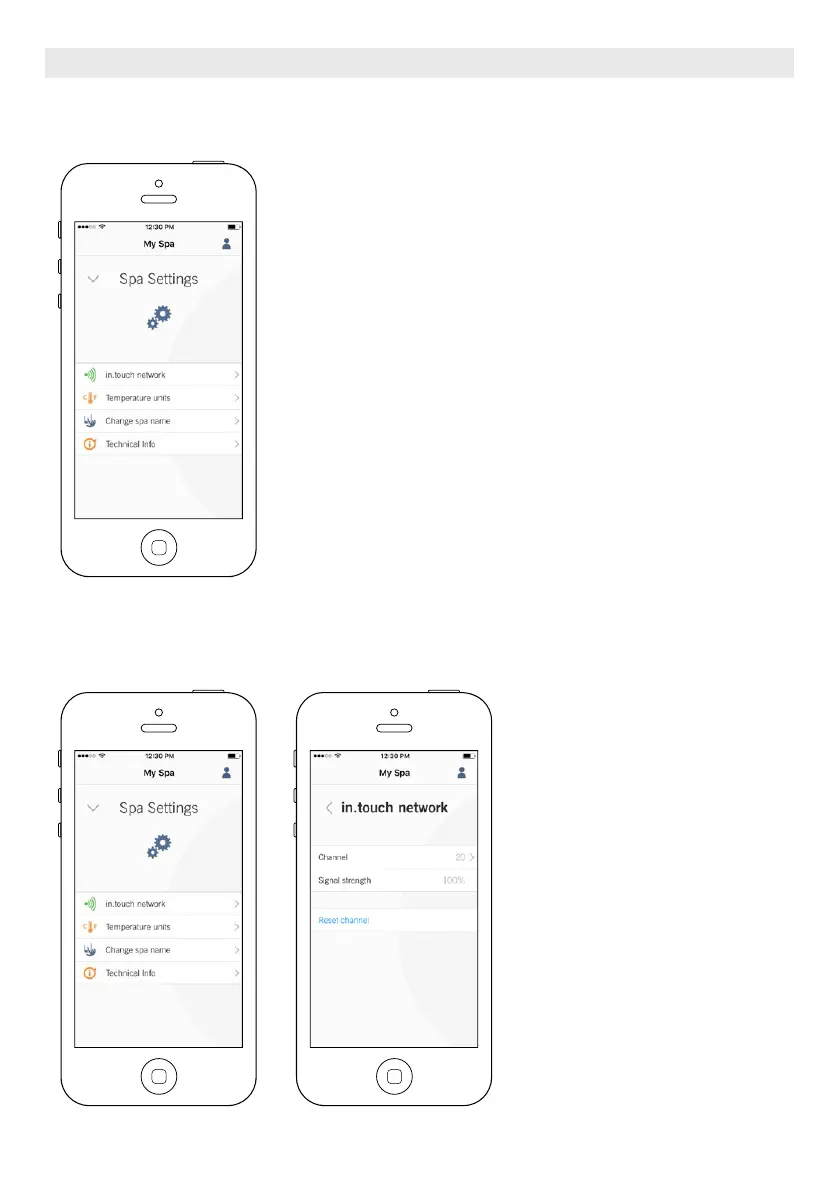
In the Settings page you can access the following:
in.touch network
Temperature units
Change spa name
Technical info
To select an item, tap on the arrow next to it. It will open the selected
menu.
IN.TOUCH NETWORK
The in.touch network menu allows
you to have access to information
concerning the RF connection param-
eters between the Home Transmitter
and the Spa Transmitter. This menu
gives you acces to:
Channel
Signal strength
Reset channel (resets channel to ...
default)
To change channels, press on the
Channel line.
OPTIONAL ACCESSORIES IN.TOUCH 2
77





 To Next Page