3.1.1.2. Basic Setup
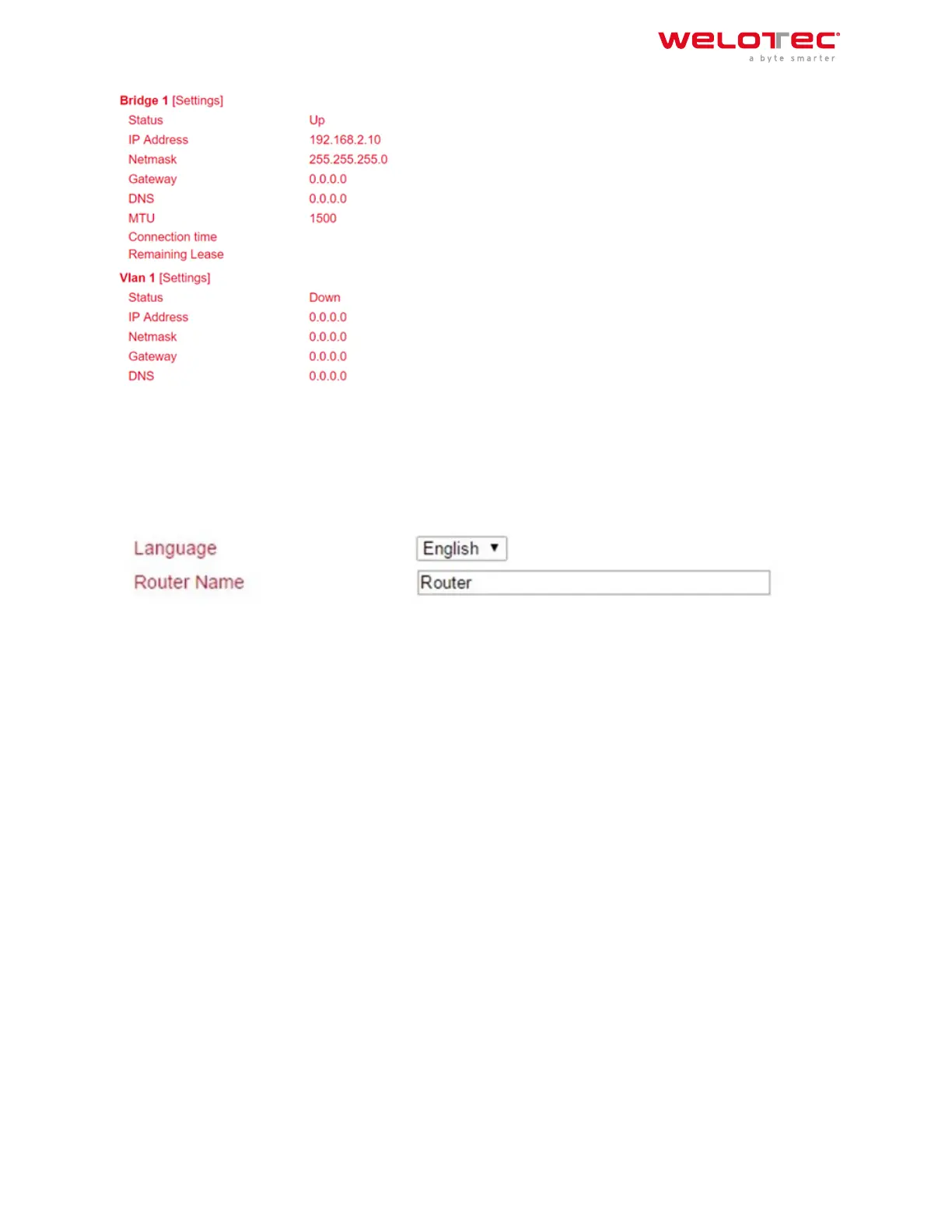
Under Administration > System > Basic Setup you can change the language of the router and the router name.
Currently only English is supported as language. The router name can be used as unique name of the router. Here
a meaningful name should be chosen.
3.1.2 3.1.2. System Time
To ensure coordination between the TK800 router and other devices, the system time should be the same on all
devices and the time zone should be set correctly. Under Administration > System Time you will find all the settings
for the system time of the TK800 Router. The time can be set manually or automatically updated by a time server
via the Simple Network Time Protocol (SNTP). In addition, it is possible to automatically supply devices connected
to the router with the current time information via the NTP server.
3.1.2.1. System Time Configuration
Under Administration > System Time you will find an overview and local settings for the system time of the router.
Via Sync Time you can synchronize the time of the router with the time of the PC.
Among the settings there is also the possibility to set the router time and date manually.
Under Timezone the current time zone can be selected.
The default is UTC+1 (time zone in Germany, Austria and Switzerland).
Welotec GmbH
Zum Hagenbach 7
48366 Laer
www.welotec.com
info@welotec.com
+49 2554 9130 00
Page 26



 To Next Page